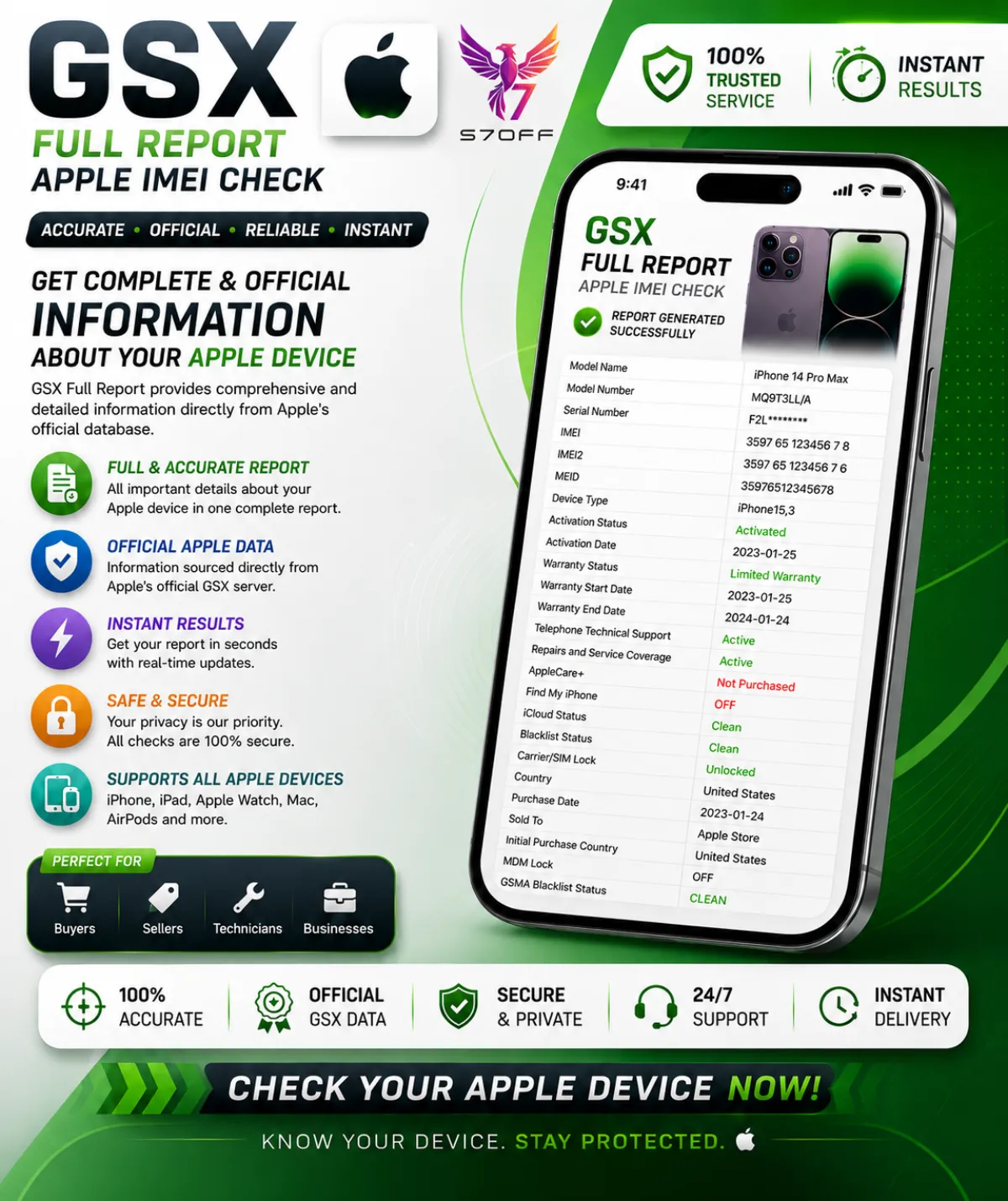
GSX Full Report — Apple IMEI Check
Description
GSX Full Report — Apple IMEI Check is the most comprehensive device verification available. It connects directly to Apple's GSX system and returns a complete dataset covering every critical aspect of an iPhone, iPad, Mac, or Apple Watch. Whether you're a buyer verifying a second‑hand device, a refurbisher checking a batch, or a technician diagnosing a lock, this report gives you the same data that Apple Authorised Service Providers see.
What the report includes:
- IMEI / IMEI2 & Serial Number — primary identifiers used for network checks, SIM‑lock, blacklist, carrier, warranty, and history.
- Model, Config Code & Configuration — full commercial model name (e.g. iPhone 15 Pro Max), internal Apple config code, colour, storage, and regional version.
- Product Line — iPhone, iPad, Mac, Watch.
- Purchase Date, Purchase Country & Sold To — original purchase date, country of sale, and the carrier or reseller Apple initially sold the device to.
- Registration Date & First Activation Date — when the device was first registered and activated in Apple's system.
- Coverage / Warranty Status — active, expired, AppleCare, or out of warranty.
- OS Version & Last Restore Date — latest known iOS/iPadOS/macOS version and the last time the device was restored.
- Unlocked / SIM Lock — whether the device is SIM‑free or locked to a specific carrier.
- Initial, Applied & Next Tether Activation Policies — the original activation policy, the currently applied one, and the policy that will apply after the next restore — critical for unlock and reseller cases.
- Unlock Date — the exact date the device was officially unlocked, if applicable.
- FMI Status (Find My iPhone) — ON or OFF. The most important line for iCloud/Activation Lock.
- MDM Status — indicates whether the device is managed by a corporate, school, or enterprise MDM profile.
- Chimaera Status — Apple's hidden activation‑risk flag. If FLAGGED, the device may be permanently unusable and should be avoided.
- Blacklist Status — shows whether the IMEI appears on carrier blacklists for being lost, stolen, or involved in fraud.
- Loaner & Personalized — reveals if the device is a temporary Apple loaner or has special customisation.
- eSIM EID — the eSIM identifier, important for eSIM‑capable models.
This report is essential for anyone buying, selling, or unlocking a used Apple device. A clean IMEI and FMI OFF don't guarantee the device is problem‑free — the GSX Full Report shows carrier locks, hidden activation blocks, MDM enrolment, and the complete warranty and purchase history. Most reports are delivered within minutes, and you get the raw data straight from Apple's servers.
Features
- Full GSX dataset — IMEI, serial, model, config, purchase country, warranty, and more
- FMI & iCloud status — Find My iPhone ON/OFF and iCloud Clean/Lost
- MDM Status — corporate, school, or enterprise management detection
- Chimaera Status — Apple's hidden activation‑risk flag
- Blacklist Status — lost, stolen, or fraud check across carrier databases
- Carrier & SIM Lock — unlocked, locked, or specific carrier restrictions
- Activation Policies — initial, current, and next‑tether policy details
- Delivery in minutes — data pulled live from Apple's GSX servers
Secure Payment
Pay with card or crypto
Fast Delivery
Instant digital delivery
100% Genuine
Authentic codes only
Buyer Protection
Money back guarantee
No reviews yet. Be the first to review this product!