What Is Chimaera Block? Apple Activation Risk Explained | S7OFF | Guides
+1 484 202 5255
Beginner

What Is Chimaera Block? Apple Activation Risk Explained

This guide explains what Chimaera Block means, why it is considered a serious Apple activation risk, how it differs from normal iCloud Activation Lock and why buyers, repair shops and unlock service providers should always check Chimaera Status before dealing with a device.

5 min read min read
Jun 13, 2026

Answer First

Chimaera Block is a serious Apple activation risk flag. If a device check shows Chimaera Status as FLAGGED, the device should be treated as high-risk and should usually be avoided. It is not the same as normal iCloud Activation Lock.

What Is Chimaera Block?

Chimaera Block is a server-side Apple activation risk status connected to the device itself, such as the serial number or IMEI. In the market, it is commonly treated as a red flag that may indicate a lost, stolen or restricted activation status at Apple server level.

Chimaera Block Is Not Normal iCloud Lock

Normal iCloud Activation Lock is usually connected to an Apple ID. If the owner removes the device from the Apple ID, the lock can be cleared. Chimaera Block is different because it is not simply an Apple ID lock. It is treated as a deeper device-level activation risk.

Why Chimaera Block Is High Risk

If Chimaera Status is FLAGGED, the device may fail activation or remain restricted even if other checks look normal. This makes the device risky for buyers, resellers, iCloud unlock providers and repair shops.

Can Chimaera Block Be Removed?

At the moment, Chimaera Block should not be treated as a removable iCloud lock. If a service claims to remove Chimaera Block easily, customers should be very careful. This status is not a normal FMI ON case and should not be accepted like a regular Activation Lock order.

How to Check Before Buying

Before buying or accepting an Apple device for service, check the device report carefully. Look for Chimaera Status. If the status is CLEAR, the device does not show this specific risk flag. If the status is FLAGGED, it is better to avoid the device or request full verification before any payment.

What to Do If Chimaera Status Is FLAGGED

If you already bought a device and the report shows Chimaera Status FLAGGED, the safest option is to contact the seller and request a return. If you are the legal owner and have original proof of purchase, you may try contacting Apple Support, but there is no guaranteed service route for removing this status.

Why Unlock Providers Should Check It

For iCloud unlock providers, Chimaera Status is very important. A device may show FMI ON, but if Chimaera is also FLAGGED, the case becomes much more dangerous. Accepting such devices can lead to failed orders, customer disputes and wasted money.

Chimaera Block vs FMI ON

FMI ON means Find My iPhone or Find My iPad is enabled. Chimaera Block is a separate activation risk flag. A device can be FMI ON without Chimaera risk, but if Chimaera Status is FLAGGED, the device should be treated with much more caution.

Final Answer

Chimaera Block is a serious Apple activation risk flag. If a device shows Chimaera Status FLAGGED, it is better not to buy it, not to accept it as a regular iCloud unlock case and not to spend money on services that promise an easy removal.
Related Services

Services mentioned in this guide

FMI OFF — iPad (8th generation) WiFi Model Only (iPad11,6 / A2270)

FMI OFF — iPad (8th generation) WiFi Model Only (iPad11,6 / A2270)

FMI OFF — iPad (8th generation) WiFi Model Only permanently clears the iCloud activation lock from the WiFi variant of the iPad 8th generation (model A2270, identifier iPad11,6). Powered by the A12 Bionic chip, this 10.2‑inch iPad has been a staple in schools, businesses, and homes since its launch. If the device is locked after a factory reset and you can no longer access the original owner’s Apple ID, our remote server‑side procedure deletes the FMI lock directly from Apple's servers — no jailbreak, no hardware modifications, and your iPad remains with you throughout the session.

Once your order is confirmed, reach out to us on Telegram. We will guide you through the brief preparation and then take over remotely via AnyDesk. The whole process usually wraps up in 1–30 minutes and delivers a 100% permanent result — you can update iPadOS, factory reset, or flash firmware without the lock ever returning. Please read the full service terms before purchasing.

$70.00
View Service
FMI OFF — iPad Air (3rd generation) WiFi Model Only (iPad11,3 / A2152)

FMI OFF — iPad Air (3rd generation) WiFi Model Only (iPad11,3 / A2152)

FMI OFF — iPad Air (3rd generation) WiFi Model Only removes the iCloud activation lock from the WiFi variant of the iPad Air 3rd generation (model A2152, identifier iPad11,3). This model features a 10.5‑inch Retina display and the A12 Bionic chip, making it a solid performer for everyday tasks, media consumption, and light creative work. If your device is locked after a factory reset and you cannot contact the previous owner, our remote server‑side procedure clears the FMI lock directly from Apple's servers — no jailbreak, no hardware modifications, and your iPad stays with you throughout the session.

Once the order is confirmed, reach out to us on Telegram. We'll guide you through the quick setup and then take over remotely via AnyDesk. The entire process typically wraps up in 1–30 minutes, delivering a 100% permanent result — you can update iPadOS, factory reset, or flash firmware without the lock ever returning. Please read the full service terms before purchasing.

$80.00
View Service
FMI OFF — iPad mini 5 WiFi Model Only (iPad11,1 / A2133)

FMI OFF — iPad mini 5 WiFi Model Only (iPad11,1 / A2133)

FMI OFF — iPad mini 5 WiFi Model Only completely erases the iCloud activation lock from the WiFi variant of the iPad mini 5 (model A2133, identifier iPad11,1). This compact tablet packs an A12 Bionic chip and a 7.9‑inch Retina display into an ultra‑portable body, making it a favourite for users who need a pocketable iPad. If the device is locked after a factory reset and the previous owner’s Apple ID is out of reach, our remote server‑side procedure removes the FMI lock directly from Apple’s servers — no jailbreak, no hardware modifications, and the iPad stays with you the entire time.

As soon as the payment is confirmed, write to us on Telegram. We will walk you through the quick preparation steps and then remotely run the FMI OFF session via AnyDesk. The whole process usually takes 1–30 minutes and gives a 100% permanent result — you can update iPadOS, factory reset, or flash firmware without the lock ever coming back. Please read the full service terms before you place the order.

$70.00
View Service
FMI OFF — iPad Pro 11‑inch WiFi Model Only (iPad8,1 / A1980)

FMI OFF — iPad Pro 11‑inch WiFi Model Only (iPad8,1 / A1980)

FMI OFF — iPad Pro 11‑inch WiFi Model Only completely clears the iCloud activation lock from the WiFi variant of the very first 11‑inch iPad Pro (model A1980, identifier iPad8,1). This is the generation that introduced Face ID to the iPad lineup and did away with the home button, replacing it with a stunning nearly edge‑to‑edge Liquid Retina display. Powered by the A12X Bionic chip, it remains a capable workhorse for artists, students, and professionals alike. If the device is stuck on the Activation Lock screen after a factory reset and the original Apple ID is no longer accessible, our remote procedure permanently deletes the lock from Apple’s servers — no jailbreak, no hardware modifications, and your iPad stays with you throughout the session.

After the order is confirmed, connect with our team on Telegram. We will walk you through the brief preparation steps and then remotely run the FMI OFF session via AnyDesk. The entire process typically wraps up in 1–30 minutes and delivers a 100% permanent result — you can update iPadOS, factory reset, or flash firmware without the lock ever returning. Please read the full service terms before purchasing.

$85.00
View Service
FMI OFF — iPad Pro 11‑inch WiFi 1TB Model Only (iPad8,1 / A1980)

FMI OFF — iPad Pro 11‑inch WiFi 1TB Model Only (iPad8,1 / A1980)

FMI OFF — iPad Pro 11‑inch WiFi 1TB Model Only is built for the highest‑capacity configuration of the original 11‑inch iPad Pro. This specific model (housing A1980, identifier iPad8,1) packs 1TB of internal storage, making it the go‑to choice for videographers, 3D artists, and creative professionals who need to carry massive media libraries on a single device. When this iPad gets locked after a factory reset and the original Apple ID is out of reach, our remote server‑side procedure permanently clears the FMI lock from Apple’s servers — no jailbreak, no hardware modifications, and your iPad remains with you the whole time.

After your order is confirmed, message us on Telegram. We will guide you through the quick preparation steps and then remotely perform the FMI OFF via AnyDesk. The session usually wraps up in 1–30 minutes and delivers a 100% permanent result — you can update iPadOS, factory reset, or flash firmware without the lock ever returning. Please read the full service conditions before completing your purchase.

$85.00
View Service
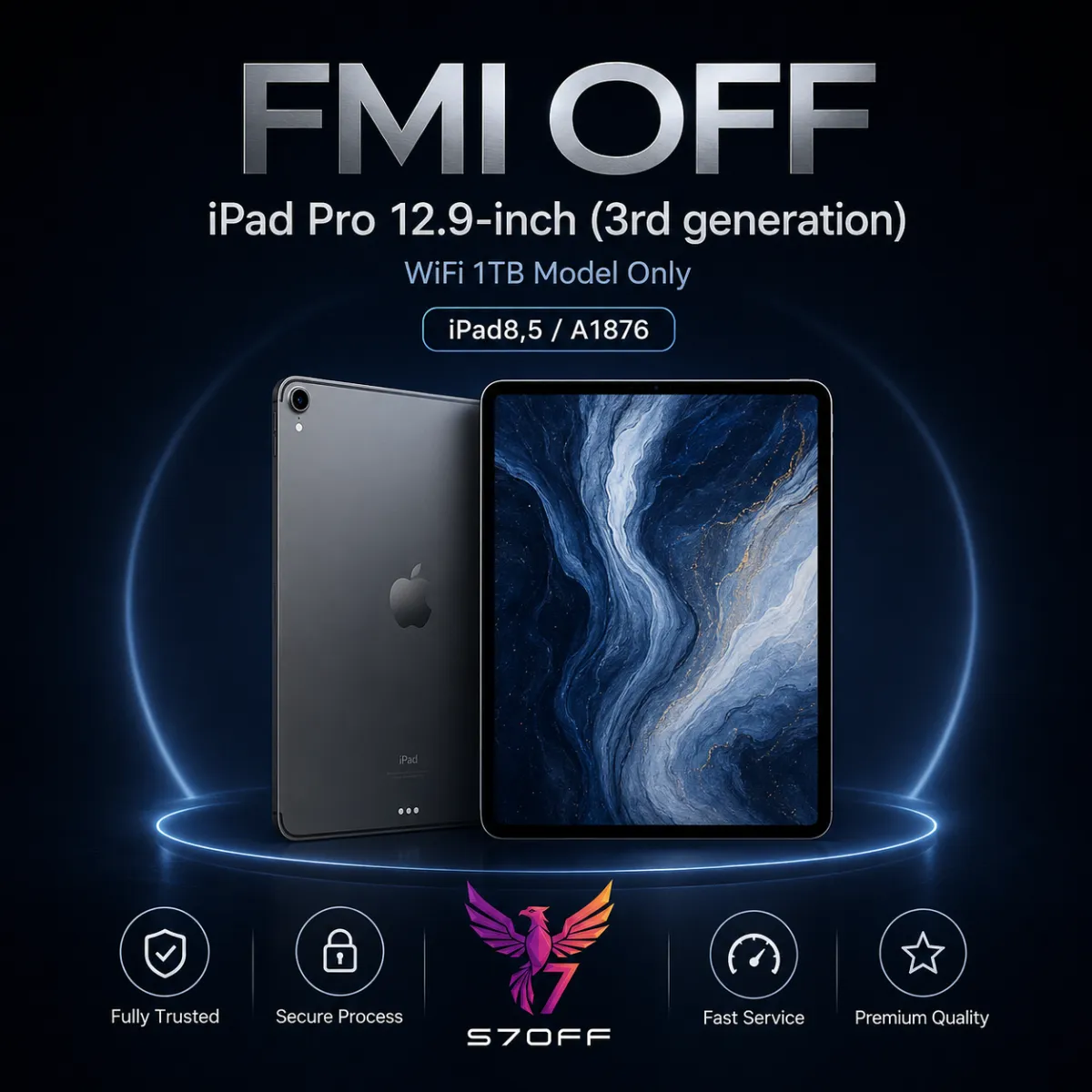
FMI OFF — iPad Pro 12.9‑inch (3rd generation) WiFi Model Only (iPad8,5 / A1876)

FMI OFF — iPad Pro 12.9‑inch (3rd generation) WiFi Model Only (iPad8,5 / A1876)

FMI OFF — iPad Pro 12.9‑inch (3rd generation) WiFi Model Only wipes the iCloud activation lock from every storage configuration of the 12.9‑inch iPad Pro 3rd gen (model A1876, identifier iPad8,5). This generation was the first large iPad Pro to drop the home button and adopt Face ID, framing a breathtaking Liquid Retina display that stretches nearly edge to edge. Powered by the A12X Bionic chip, it still handles demanding tasks like 4K video editing, 3D modeling, and multitrack music production without breaking a sweat. If a factory reset has left you staring at the Activation Lock screen and the previous owner’s Apple ID is unavailable, our remote server‑side procedure permanently deletes the lock from Apple’s servers — no jailbreak, no hardware modifications, and your iPad stays in your hands the whole time.

Right after the payment is confirmed, reach out to our team on Telegram. We will guide you through the quick preparation and then take over the session remotely via AnyDesk. The entire FMI OFF process usually finishes in 1–30 minutes, and the result is 100% permanent — you can update iPadOS, factory reset, or flash firmware without the lock ever returning. Please read the full service conditions before you place the order.

$95.00
View Service
FMI OFF — iPad Pro 12.9‑inch (3rd generation) WiFi 1TB (iPad8,5)

FMI OFF — iPad Pro 12.9‑inch (3rd generation) WiFi 1TB (iPad8,5)

FMI OFF — iPad Pro 12.9‑inch (3rd generation) WiFi 1TB permanently removes the Find My iPhone activation lock from the 1TB WiFi version of the iPad Pro 12.9‑inch 3rd generation (identifier iPad8,5). This is a 100% permanent FMI OFF service performed remotely by our team. Once completed, the device can be set up as new, restored, or updated without the lock ever returning.

Important Notes: No cancellation or refund is possible after placing the order. The service is performed entirely remotely. You receive professional and secure support throughout the process. This page covers only the WiFi‑only 1TB model A1876; other storage capacities, cellular models, and other iPad generations are handled on their respective service pages.

$95.00
View Service
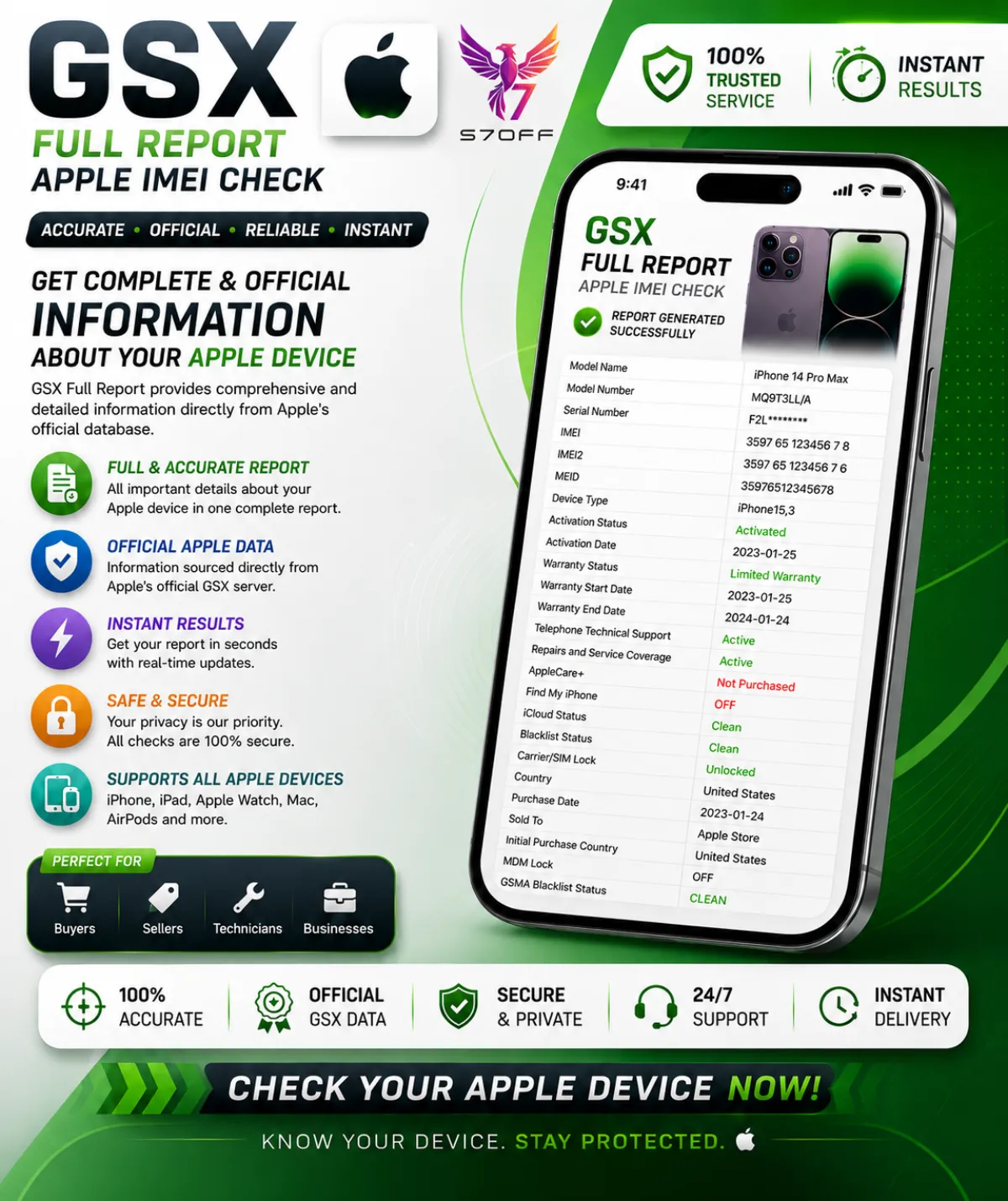
GSX Full Report — Apple IMEI Check

GSX Full Report — Apple IMEI Check

GSX Full Report — Apple IMEI Check is the most comprehensive device verification available. It connects directly to Apple's GSX system and returns a complete dataset covering every critical aspect of an iPhone, iPad, Mac, or Apple Watch. Whether you're a buyer verifying a second‑hand device, a refurbisher checking a batch, or a technician diagnosing a lock, this report gives you the same data that Apple Authorised Service Providers see.

What the report includes:

  • IMEI / IMEI2 & Serial Number — primary identifiers used for network checks, SIM‑lock, blacklist, carrier, warranty, and history.
  • Model, Config Code & Configuration — full commercial model name (e.g. iPhone 15 Pro Max), internal Apple config code, colour, storage, and regional version.
  • Product Line — iPhone, iPad, Mac, Watch.
  • Purchase Date, Purchase Country & Sold To — original purchase date, country of sale, and the carrier or reseller Apple initially sold the device to.
  • Registration Date & First Activation Date — when the device was first registered and activated in Apple's system.
  • Coverage / Warranty Status — active, expired, AppleCare, or out of warranty.
  • OS Version & Last Restore Date — latest known iOS/iPadOS/macOS version and the last time the device was restored.
  • Unlocked / SIM Lock — whether the device is SIM‑free or locked to a specific carrier.
  • Initial, Applied & Next Tether Activation Policies — the original activation policy, the currently applied one, and the policy that will apply after the next restore — critical for unlock and reseller cases.
  • Unlock Date — the exact date the device was officially unlocked, if applicable.
  • FMI Status (Find My iPhone) — ON or OFF. The most important line for iCloud/Activation Lock.
  • MDM Status — indicates whether the device is managed by a corporate, school, or enterprise MDM profile.
  • Chimaera Status — Apple's hidden activation‑risk flag. If FLAGGED, the device may be permanently unusable and should be avoided.
  • Blacklist Status — shows whether the IMEI appears on carrier blacklists for being lost, stolen, or involved in fraud.
  • Loaner & Personalized — reveals if the device is a temporary Apple loaner or has special customisation.
  • eSIM EID — the eSIM identifier, important for eSIM‑capable models.

This report is essential for anyone buying, selling, or unlocking a used Apple device. A clean IMEI and FMI OFF don't guarantee the device is problem‑free — the GSX Full Report shows carrier locks, hidden activation blocks, MDM enrolment, and the complete warranty and purchase history. Most reports are delivered within minutes, and you get the raw data straight from Apple's servers.

$3.00
View Service
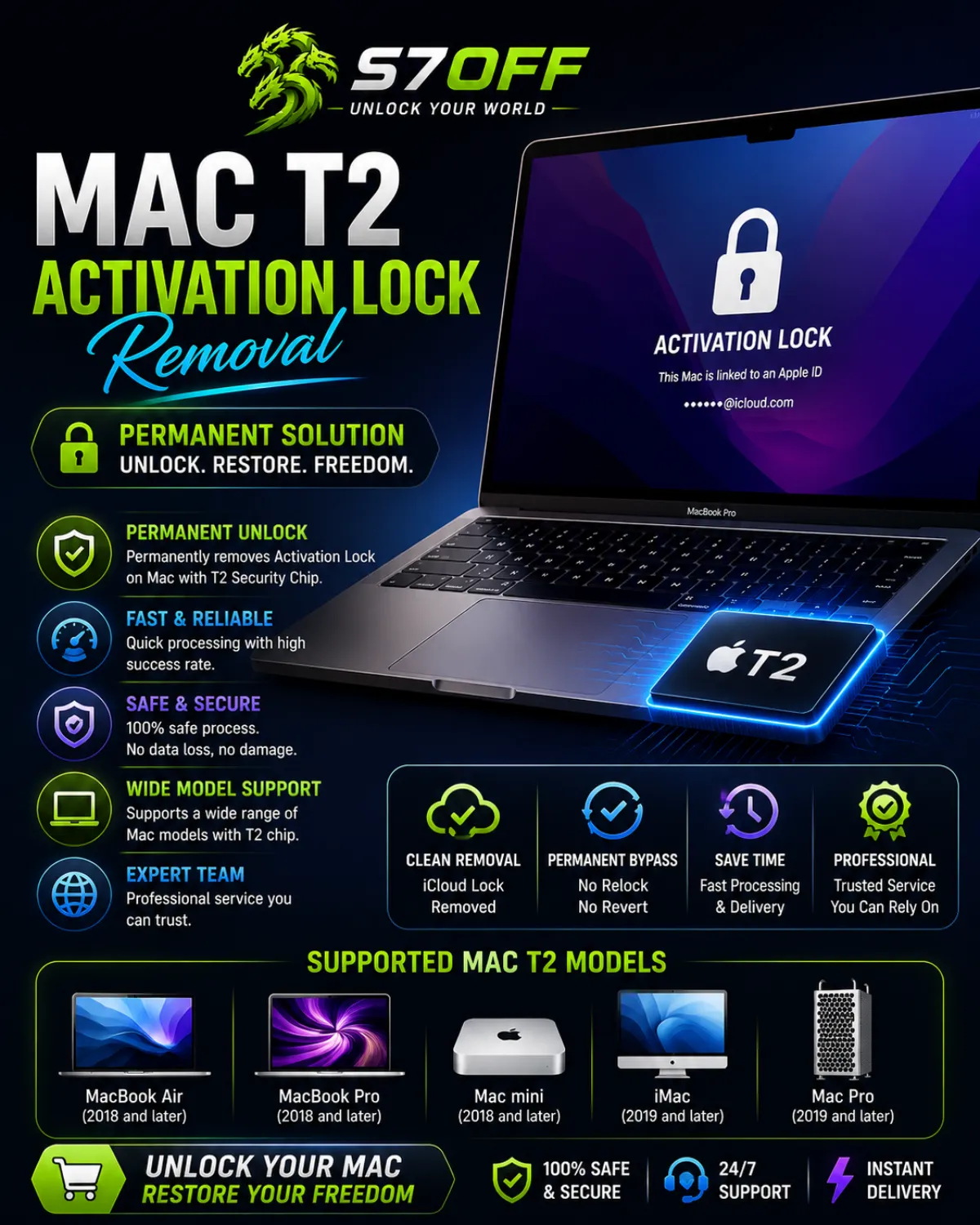
Mac T2 Activation Lock Removal — iCloud Unlock for T2 Macs

Mac T2 Activation Lock Removal — iCloud Unlock for T2 Macs

Mac T2 Activation Lock Removal permanently clears the iCloud lock on Mac computers equipped with the Apple T2 Security Chip. This service is designed for devices that are stuck on the Activation Lock screen after a factory reset, where the original owner’s Apple ID credentials are unavailable. The unlock is performed remotely through Apple’s activation servers — no software installation, no hardware modifications, and your Mac stays with you the entire time.

Supported Mac models with the Apple T2 Security Chip:

  • iMac Pro (2017)
  • Mac mini (2018)
  • MacBook Air (2018, 2019, 2020 — Intel models)
  • MacBook Pro (2018, 2019, 2020 — Intel models, 13‑inch and 15/16‑inch)
  • Mac Pro (2019)

The T2 chip handles secure boot, encrypted storage, and device management. Because of this, a standard iCloud unlock that works on older Macs cannot be applied to T2 Macs. Our service communicates directly with Apple’s servers to detach the T2‑enforced lock, allowing you to set up the Mac as new or restore it from a backup without ever seeing the Activation Lock screen again. The process requires a clean IMEI or serial number — the device must not be reported lost, stolen, or blacklisted. Most orders are completed within hours, and the result is permanent — you can update macOS, reset, or flash the device without the lock returning.

$90.00
View Service

Browse Categories

Explore services related to this guide

0 services

T-Mobile USA Clean Unlock

Answer first: T-Mobile USA Clean Unlock is a carrier unlock category for selected T-Mobile USA locked devices with clean and eligible status. Choose this category when the device is locked to T-Mobile USA and does not have unpaid balance, financed, blacklisted, lost, stolen or fraud-related status.

This category is created for customers, GSM resellers and repair shops who need a clean T-Mobile USA unlock service for supported iPhone devices. Clean unlock is intended for devices that meet the required eligibility conditions and can be processed through a clean unlock route.

Before placing an order, make sure the device is locked to T-Mobile USA and the status is clean. If the device has unpaid balance, financed status, active installment, not eligible status or blacklist status, this clean service may not be the correct option. In that case, use the correct T-Mobile Premium or status-based service if available.

If you are not sure about the device status, we recommend checking the carrier, SIM-lock and blacklist status before ordering. Wrong carrier, blacklisted, lost, stolen or unsupported devices may be rejected according to service rules.

0 services

T-Mobile USA Premium Unlock

Answer first: T-Mobile USA Premium Unlock is a high-level carrier unlock category for selected T-Mobile USA locked devices with different status types. This service is used when the device cannot be processed through a simple clean unlock route.

This category is created for customers, GSM resellers and repair shops who need a stronger T-Mobile USA unlock option for non-clean cases. T-Mobile Premium may support different T-Mobile statuses, including not eligible, unpaid balance, financed, active installment and other T-Mobile restriction cases, depending on current service availability and IMEI status.

Before placing an order, make sure the device is locked to T-Mobile USA. Premium unlock is not the same as Clean Unlock. Clean Unlock is for clean and eligible devices, while Premium Unlock is used for more difficult T-Mobile cases where the device has a restriction or is not accepted by the clean route.

Service availability, supported status types and final result may depend on current server route, IMEI condition and T-Mobile device status. If you are not sure which service to order, check the carrier, SIM-lock and blacklist status first or contact S7OFF support before placing the order.

Found this guide helpful?

Check out more guides to level up your setup.

Browse All Guides

Frequently Asked Questions