Answer First
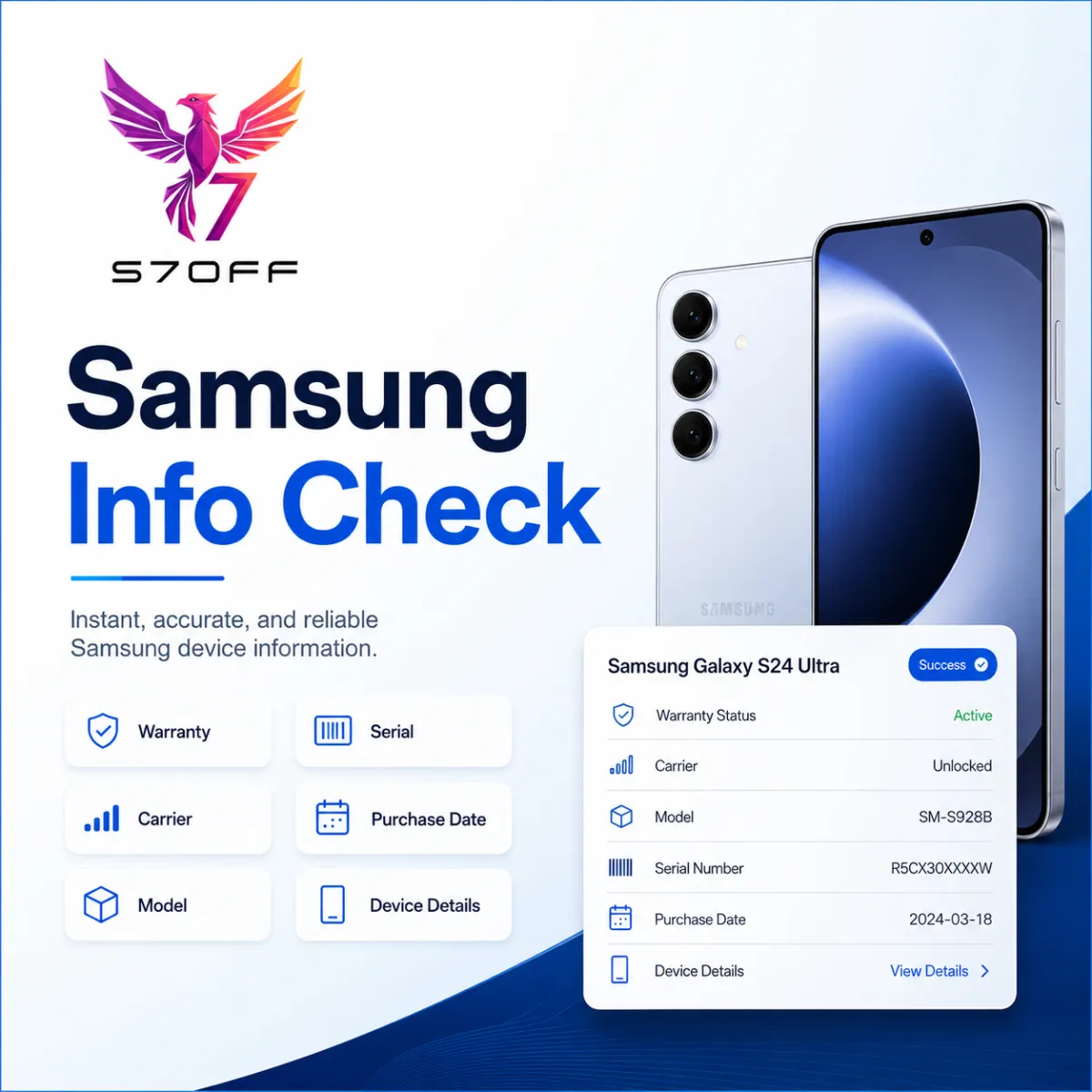
Samsung Info Check by IMEI/SN can show detailed Samsung device information such as manufacturer, full model name, IMEI, serial number, replaced IMEI, model number, SKU, production date, purchase date, warranty status, carrier, sold-by country, ship-to country and shipment details when available.
What Is Samsung Info Check?
Samsung Info Check is a device information report based on Samsung IMEI or Serial Number. It helps identify the real device model, sales configuration, warranty information, carrier record and regional sales data when those details are available in the database.
Manufacturer
Manufacturer shows the Samsung production entity or factory connected to the device record. This can help identify where the device was manufactured or which Samsung production branch handled the unit.
Full Name and Model Name
Full Name shows the full commercial device description, often including model, color and sales region. Model Name shows the public model name, such as Galaxy S24 FE, Galaxy S23 Ultra or another Samsung device name.
IMEI1 and Serial Number
IMEI1 is the main network identifier of the device. Serial Number is the Samsung hardware identifier used for warranty, service records and device lookup. Both fields are important for repair shops, resellers and buyers.
Replaced IMEI
Replaced IMEI may appear when the device has replacement history or when Samsung records show a previous or related IMEI. This field is important because it can indicate device replacement, service history or record changes.
Model Number
Model Number is the exact Samsung model code. It helps identify the device variant, region, storage, color or sales configuration more precisely than the public model name alone.
DO Number and SKU
DO Number is a delivery or order reference from Samsung records. SKU means Stock Keeping Unit and usually represents the sales configuration code connected to the device. These fields help identify how the device was distributed or sold.
Production Date
Production Date shows when the device was manufactured. It may appear as an exact date or month depending on available records. This field is useful for checking device age and production batch timing.
Purchase Date and Warranty Until
Purchase Date shows the recorded purchase date. Warranty Until shows the warranty expiration date. These fields help customers understand whether the device may still be under warranty or already out of coverage.
Warranty Status
Warranty Status shows the current warranty condition, such as active, expired or another available warranty result. This is one of the most important fields for buyers and repair shops.
Carrier
Carrier shows the carrier connected to the device record when available. This can help identify if the device was sold through a mobile operator such as T-Mobile, AT&T, Verizon or another carrier depending on the region.
Sold By Country and Ship To Country
Sold By Country shows where the device was sold. Ship To Country shows where the device was shipped. These fields help identify the original market, distribution region and possible regional warranty or carrier context.
Sold Date and Ship Date
Sold Date shows the recorded sale date. Ship Date shows the recorded shipment date. These fields can help compare production, shipment and purchase timeline for the device.
Why This Report Is Useful
Samsung Info Check is useful before buying a used Samsung device, accepting a repair job, checking warranty status, confirming model details, verifying carrier information or understanding whether the device has replacement history.
Important Note
Available information may vary by device, country, carrier and Samsung database records. Some fields may be missing if they are not available for the provided IMEI or Serial Number.
Final Answer
Samsung Info Check report helps explain the real Samsung device identity, warranty, carrier, sales country, shipment data and replacement history. It is a useful check for customers, GSM resellers and repair shops before making a decision.