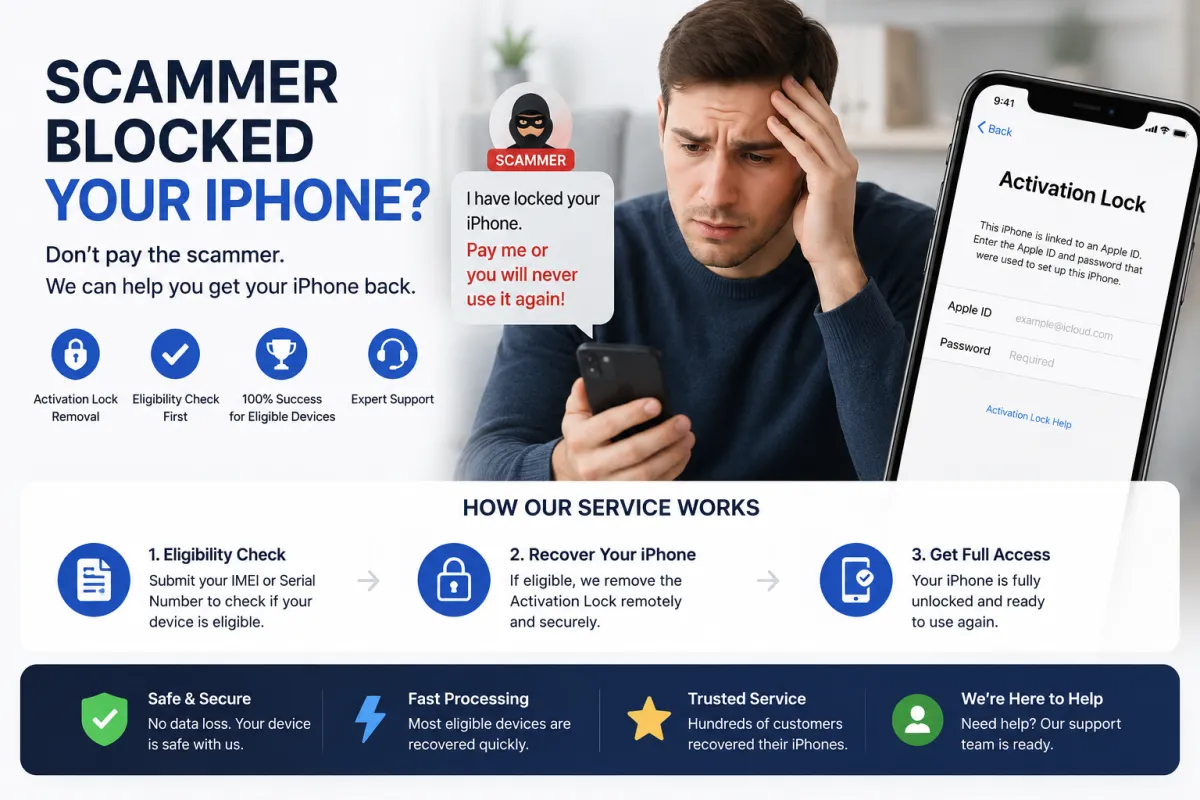
1. What Happened? Understanding the Scam
A scammer convinced you to sign out of your own Apple ID and sign in using theirs. Common pretexts include:
- Offering to sell you a gaming account with rare items.
- Pretending to purchase your iPhone and asking to 'test' their ID.
- Asking you to 'test' an Apple ID for them.
After you signed in, the scammer enabled Find My iPhone and remotely locked the device using Lost Mode or triggered Activation Lock. They are now demanding a ransom payment to unlock it.
⚠️ Critical: Do not pay the ransom. Paying does not guarantee they will unlock the device. It often leads to additional monetary demands or complete silence after receiving the money.
2. First Steps – Check Your Device Status
Before taking action, identify exactly what state your iPhone is in. This determines which recovery method is viable:
| Status | Signs / Symptoms |
|---|---|
| Lost Mode | The lock screen displays a custom message from the scammer (e.g., 'Contact me at [number] for unlock'), and you cannot access the home screen. |
| Activation Lock | After restarting or resetting the iPhone, the screen asks for an Apple ID and password that belong to the scammer. |
| Standard Passcode Lock | The device just asks for the screen passcode (which may be yours or set by the scammer). This is the least severe state. |
Important: If Lost Mode is actively enabled, standard recovery through Apple's automated portal is impossible unless you can manually sign out of the scammer's Apple ID first.
3. Recovery Option A – If You Can Still Access iPhone Settings
If your iPhone is not in Lost Mode and you can unlock the screen and open Settings, try this immediately:
- Open Settings → tap on the profile name (the scammer's Apple ID) at the very top.
- Scroll down and tap Sign Out.
- You will be asked for the scammer's Apple ID password. If you know it (or they haven't changed it yet), enter it. If not, tap 'Forgot Password?' to attempt recovery via email (unlikely to work).
- Once signed out of the scammer's account, immediately sign back in using your own Apple ID.
Note: If the scammer has already changed the password, this option will fail. Do not waste time guessing passwords, as this may permanently lock the account against further recovery attempts.
4. Recovery Option B – Official Apple Support (Most Reliable)
This is the safest and most recommended method, but it requires you to prove ownership of the device.
What to prepare in advance:
- Original proof of purchase – receipt or invoice showing the serial number or IMEI, the date of purchase, and the seller's name.
- Original box – the serial number is printed on the barcode sticker.
- Government-issued ID – passport or driver's license (if visiting in person).
Steps to follow:
- Visit the official Apple Support website (support.apple.com).
- Navigate to iPhone → Activation Lock or Forgot Apple ID Password.
- Submit a request to remove Activation Lock and attach your scanned proof of purchase.
- Wait for Apple to review your case. This usually takes a few days (often 3–7 business days).
Alternatively, visit an Apple Authorized Service Provider or an Apple Store in person. A technician can help you submit the ownership verification request directly.
5. Recovery Option C – Third-Party Services (e.g., S7OFF)
If Apple Support refuses your request (e.g., you lack the original receipt, or the device is still under a payment plan), some third-party services offer an IMEI-based eligibility check and recovery service.
How this generally works:
- Find your iPhone's IMEI by dialing
*#06#on the phone keypad, or check the box if you still have it. - Enter the IMEI on the service's website to check eligibility for their unlock service.
- If eligible, purchase the service to have the device removed from the scammer's Apple ID in Apple's servers.
⚠️ Serious Warning: Many websites that promise 'Activation Lock removal' are scams themselves. They may:
- Take your money and do nothing.
- Steal your Apple ID credentials.
- Permanently blacklist your IMEI.
Always research the service thoroughly before paying. Look for recent, unbiased reviews on independent platforms like Trustpilot, Reddit, or MacRumors forums. If a service asks for your Apple ID password, it is 100% a scam—legitimate services only need the IMEI.
6. What NOT to Do (Critical Mistakes to Avoid)
| ❌ Action to Avoid | Why You Should Avoid It |
|---|---|
| Never pay the ransom | Scammers rarely unlock the device after payment; they see you as an easy target and will ask for more money. |
| Don't use shady 'hacker' services | Most are run by the same scammers or data thieves who will steal your personal information. |
| Don't repeatedly guess the password | This will trigger security locks on the Apple ID and permanently disable iCloud services on that account. |
| Don't sell the locked iPhone | This transfers the problem to an unsuspecting buyer, is often illegal, and you will still be legally responsible for the device's history. |
7. Additional Security Tips & Prevention
- Always keep your purchase receipt – it is the single most important document to prove ownership to Apple.
- Enable Two-Factor Authentication (2FA) on your personal Apple ID immediately to prevent similar attacks in the future.
- Never sign out of your own Apple ID for a stranger, no matter how convincing their story sounds.
- Report the scammer – if they are threatening you or demanding money, file a report with your local police and provide them with the scammer's contact details and chat logs.
8. Summary: Step-by-Step Action Plan
Here is your quick reference checklist for immediate action:
- Do not pay the scammer a single cent.
- Check the device status – is it Lost Mode, Activation Lock, or just a passcode?
- Gather all proof of purchase (receipt, box, IMEI).
- Contact Apple Support officially and submit an Activation Lock removal request.
- If Apple refuses, carefully research reputable third-party IMEI services (like S7OFF) and check their reviews before proceeding.
- Secure your own Apple ID by enabling Two-Factor Authentication and changing your password immediately.
Recovering a scammed iPhone takes patience, but most cases are resolved successfully by following the official Apple route. Stay calm and persistent.