How the PUBG iPhone Scam Works – Step by Step
The scam follows a clear pattern that every parent and child should recognize:
Step 1: The Bait
Scammers post advertisements on TikTok, Telegram, Discord, YouTube, or inside gaming chats. They offer something irresistible to a young gamer:
- Free access to premium games – They claim to provide modified versions of games like PUBG Mobile or Standoff 2.
- Game mods and cheats – They promise to unlock special features, skins, or 'mods' that give players an advantage.
- Bonus in-game currency – Free UC (Unknown Cash) for PUBG or similar rewards.
- Contests and giveaways – They claim the child has won a prize that requires 'identity verification'.
Step 2: The Trap
Once the child shows interest, the scammer explains that to receive the reward, the child must temporarily sign into a 'gaming Apple ID' provided by the scammer. They may say it's a 'quick verification' or that the game content is tied to that specific Apple account. The scammer provides a login (email address) and password.
Step 3: The Lock
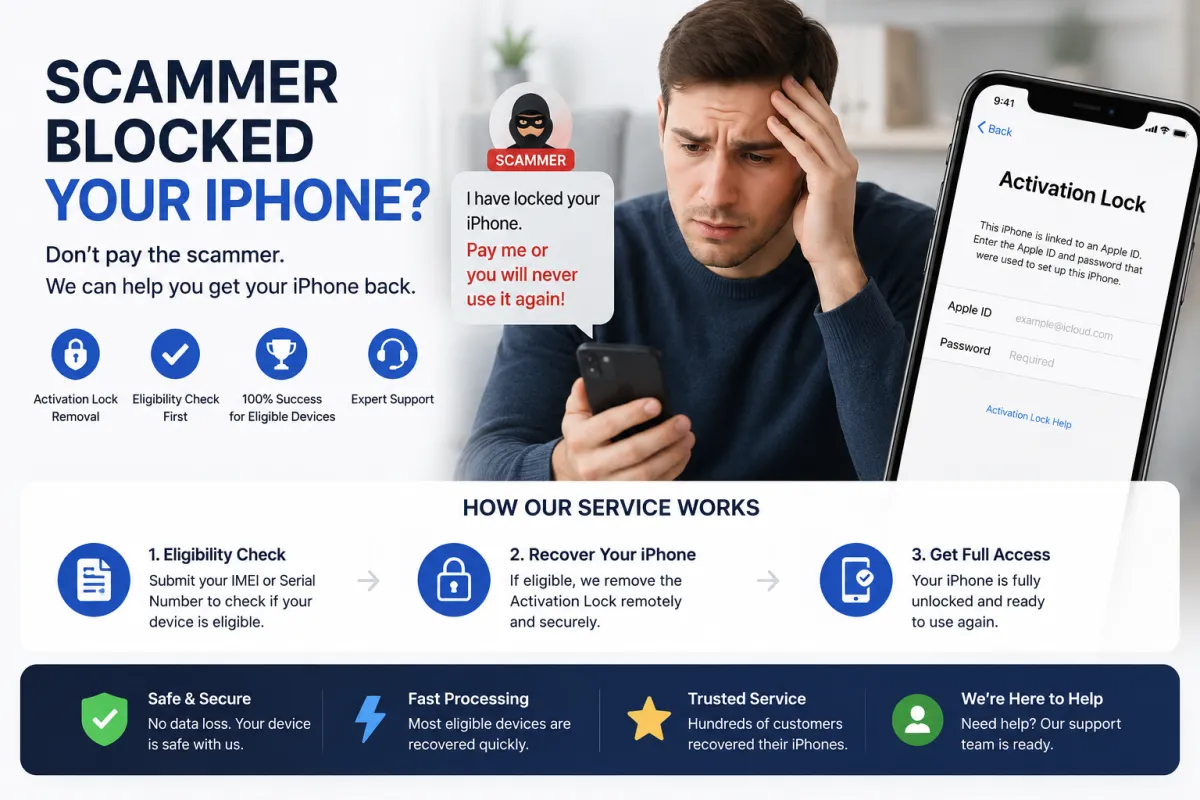
The child follows the instructions and goes to Settings → [Their Name] → Sign Out, then signs in with the scammer's Apple ID. The moment this happens, the scammer — watching from their own device — sees the child's iPhone appear in their list of devices. They immediately activate Find My iPhone and enable Lost Mode, locking the device completely.
Step 4: The Ransom Demand
A message appears on the locked screen with contact information for the scammer and a demand for payment — typically hundreds of dollars or rubles — to unlock the device. The scammer may threaten to erase all data or sell personal information if the victim doesn't pay.
Why Children Are the Primary Targets
This scam is specifically designed to exploit children's vulnerabilities:
- Trust and naivety: Children are less likely to question instructions from a 'friendly' gamer or an offer that seems exciting.
- Fear of losing progress: Young players may panic at the thought of losing their gaming achievements and follow instructions without thinking.
- Lack of technical knowledge: Most children don't understand what an Apple ID is or the consequences of signing into someone else's account.
- Secrecy: Children often hide these interactions from parents because they fear getting in trouble or losing access to games.
- Social pressure: Scammers pose as 'friends' or popular gamers, making the request seem normal.
According to reports, a 12-year-old from Luninets recently lost access to his iPhone after falling for this exact scheme while trying to update his favorite game.
What Parents Must Tell Their Children – The Golden Rules
Law enforcement and cybersecurity experts emphasize these critical rules that every child must understand:
- ⚠️ 'SOMEONE ELSE'S APPLE ID — NEVER ENTER! EVER!' – No legitimate game, app, or person will ever ask you to sign into someone else's Apple ID on your device.
- Settings are not for games: The Settings app and the iCloud/Apple ID section are for security, not for gaming. Never follow instructions from strangers that involve going into Settings.
- Bonuses and cheats are always a lie: Real game mods, cheats, and free currency are never installed by signing into someone else's Apple ID. This simply does not exist.
- If someone asks you to go into Settings — STOP! Turn off the device immediately and tell your parents. Do not continue the conversation.
- Prizes never require signing into foreign accounts: No legitimate contest or giveaway will ever ask you to enter someone else's iCloud credentials.
One simple phrase for every child to remember: 'If they ask for my Apple ID, they are a scammer.'
What Parents Must Do – Proactive Protection
Experts recommend these concrete steps to protect your child's iPhone:
1. Show, Don't Just Tell
Take your child's iPhone, open Settings → [Their Name], and physically show them what the Apple ID screen looks like. Say: 'You are never allowed to touch this area without me. If anyone asks you to go here, it's a scam.'
2. Set Up Family Sharing
Apple's Family Sharing allows parents to monitor their child's device activity. As the family organizer, you can see if a new Apple ID suddenly appears on your child's device.
3. Enable Ask to Buy
For the child's account in Family Sharing, enable 'Ask to Buy'. This requires your approval for any purchase or download, adding an extra barrier against scams.
4. Restrict App Installation
In Settings → Screen Time → Content & Privacy Restrictions, you can restrict the installation and deletion of apps. This reduces the risk if a scammer tries to guide the child through malicious steps.
5. Use Screen Time
Enable Screen Time to monitor and limit your child's activity on gaming platforms and social media where scammers operate.
6. Have Regular Conversations
Discuss online safety regularly. Make it clear that scammers exist in games too, and that your child can always come to you without fear of punishment.
What to Do If Your Child's iPhone Is Already Locked
If your child has already signed into a scammer's Apple ID and the device is locked, follow these steps:
1. Do NOT Pay the Ransom
This is the most important rule. Paying does NOT guarantee the device will be unlocked. Scammers often demand more money or disappear entirely after receiving payment. You lose both the money and the device.
2. Disconnect from the Internet
If possible, put the iPhone into Airplane Mode or turn off Wi-Fi and mobile data. This prevents the scammer from remotely erasing the device.
3. Document Everything
Take screenshots of the ransom message on the lock screen, the scammer's contact information, and any communication. This is evidence for law enforcement.
4. Contact Apple Support
If you have the original proof of purchase (receipt with serial number/IMEI), you can submit a request to Apple to remove the Activation Lock. This is the official, free method but requires documentation.
5. Use S7OFF IMEI Unlock Service
If you don't have the original receipt or Apple refuses your request, S7OFF offers a legitimate IMEI-based unlock service. We can remove the scammer's Apple ID from your device's activation lock. Use our free eligibility checker to see if your device can be unlocked — if eligible, we guarantee 100% success. No ransom payment required.
Real Case Studies – Learning from Others
These real cases illustrate how the scam operates and why awareness is critical:
- Luninets, Belarus (2025): A 12-year-old boy wanted to update his favorite game. He followed instructions from an online 'friend,' signed out of his own iCloud and into a scammer's Apple ID. His iPhone was immediately locked. The scammer demanded a ransom.
- Soligorsk, Belarus (2025): Local police reported that scammers are actively targeting children through TikTok and Telegram, offering free access to PUBG Mobile and Standoff 2. Within minutes of signing into the fake Apple ID, devices are turned into 'bricks'.
- Russia (2025-2026): The Russian State Duma issued an official warning about scammers using gaming platforms to target Apple device owners, specifically noting that children are the most vulnerable due to their fear of losing gaming progress.
Frequently Asked Questions
Q1: My child plays PUBG Mobile. Are they at risk?
A: Yes, if they communicate with strangers in-game or on platforms like TikTok, Telegram, or Discord where scammers operate. Educate them about the risks immediately.
Q2: How can I tell if my child has been targeted?
A: Look for signs: your child suddenly becomes secretive about their phone, mentions receiving a 'great offer' for a game, or asks you about signing into a 'friend's' account. Check their device for an unfamiliar Apple ID in Settings.
Q3: Can the scammer access my child's personal data?
A: Yes, if they signed into the scammer's Apple ID and iCloud was syncing, the scammer may have access to photos, contacts, messages, and other data stored in iCloud.
Q4: What if my child already signed into the scammer's Apple ID but the phone isn't locked yet?
A: Act immediately! Go to Settings → tap the scammer's Apple ID → Sign Out. Enter the scammer's password if you have it. Then sign back in with your own Apple ID. Change your Apple ID password immediately.
Q5: Will restoring the iPhone via iTunes remove the lock?
A: No. Restoring the device does NOT remove Activation Lock. You will still be locked out after the restore.
Q6: Can S7OFF unlock a device locked through this PUBG scam?
A: Yes, if the device is eligible. Use our free IMEI checker to confirm. We guarantee 100% success for eligible devices.
Q7: Is this scam happening in my country?
A: This scam has been reported in Russia, Belarus, and other countries. It is a growing global trend targeting young gamers worldwide.