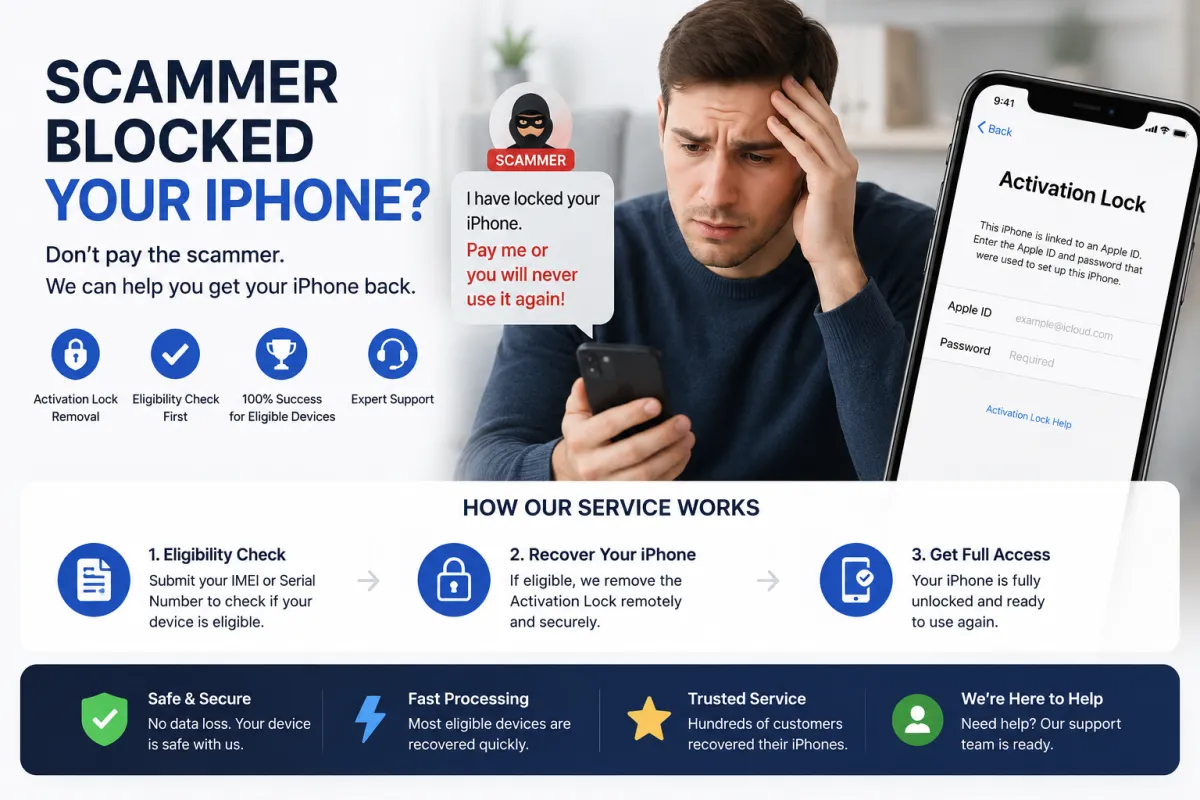
The OLX/Avito Seller Scam – How It Works in Detail
This scam is uniquely dangerous because it exploits the seller's desire to complete a sale. Here is the exact sequence of events:
- The fake buyer: A scammer contacts you via OLX or Avito, expressing strong interest in your iPhone. They may negotiate aggressively or agree to your asking price immediately—a common red flag.
- The meeting: You agree to meet in person. The scammer often chooses a busy public location to make you feel comfortable and less suspicious.
- The 'inspection' phase: The scammer examines your iPhone thoroughly. They may ask to see the IMEI, check the camera, or test the speakers. This builds trust.
- The trap: The scammer says: 'I need to check if the phone is really unlocked and not iCloud locked. Can you please sign out of your Apple ID so I can test with mine?' Or they claim: 'I want to make sure Find My iPhone is disabled. Please sign out right in front of me.' Some scammers even pretend to be tech‑savvy and say: 'The phone needs to be on my Apple ID for the transfer to work.'
- The moment of weakness: Under pressure and wanting to close the deal, you sign out of your own Apple ID. The scammer then hands you a piece of paper with an Apple ID and password, or asks you to enter it yourself. They say: 'Just sign in quickly so I can verify it's not iCloud locked.'
- The lock: The moment you sign in, the scammer (who is monitoring that Apple ID on another device) enables Find My iPhone and triggers Lost Mode. Your device is now locked to their Apple ID.
- The extortion: The scammer then demands a ransom (often via instant transfer apps) to unlock the device. Alternatively, they may simply walk away with the phone, leaving you with a locked brick.
Why this works: Sellers are eager to sell, especially when a buyer seems ready to pay cash. The scammer exploits trust, urgency, and the seller's lack of technical knowledge about how iCloud activation lock works.
Why Sellers Are Especially Vulnerable
Unlike buyer scams (Facebook Marketplace) or account takeover scams (WhatsApp/Telegram), the OLX/Avito scam specifically targets sellers because:
- You are motivated to close the sale – the scammer appears as a genuine buyer with cash in hand.
- They use 'verification' as a pretext – sellers often don't know that signing into a different Apple ID is never required for a sale.
- In‑person pressure – it is harder to think clearly when someone is standing in front of you, waiting and watching.
- No physical theft – they don't snatch the phone, so there is no immediate alarm. The lock happens remotely, often after you have handed over the device or while you are still holding it.
- Psychological manipulation – they may say things like: 'I've been scammed before, I just want to be sure' or 'My brother works at Apple, this is how we do it.'
The scammer's goal is to make you voluntarily sign out of your Apple ID and sign into theirs—making the lock 'legal' from Apple's perspective because you authorized the account change.
Prevention – How to Protect Yourself When Selling
Follow these golden rules to avoid the OLX/Avito seller scam entirely:
- Never sign out of your Apple ID during a sale – this is the single most important rule. A legitimate buyer never needs to test with their own Apple ID. The only way to verify the device is not iCloud locked is to show the Settings > Apple ID > Find My screen where it says 'Find My iPhone is OFF.'
- Demonstrate, don't delegate – if the buyer wants to confirm Find My is disabled, you navigate to Settings and show them the screen. Do not hand over the device for them to 'test.'
- Prepare in advance – before the meeting, sign out of your Apple ID only if you have already backed up your data and you are ready to factory reset the phone. But even then, do not sign into the buyer's Apple ID—just show the 'Hello' screen after the reset.
- Check the buyer's profile – on OLX and Avito, look for newly created accounts with no reviews. Scammers often use fresh accounts. Be extra cautious with buyers who have no history.
- Trust your gut – if the buyer is unusually insistent on signing into their Apple ID or seems overly concerned about iCloud, end the transaction immediately.
- Meet in safe locations – consider meeting at a carrier store where staff can verify the phone's status. This discourages scammers.
- Accept only secure payments – be wary of buyers who insist on cash only or want to pay via irreversible methods after the lock. In many cases, the scammer never intends to pay—they just want to lock your phone.
Immediate Steps If You Have Already Signed In
If you realized too late that you signed into the scammer's Apple ID, time is critical. Here is what to do:
- If the device is still unlocked (not yet in Lost Mode): Immediately go to Settings → tap the scammer's Apple ID → scroll down → Sign Out. Enter the scammer's password (the one they gave you). If it still works, sign out instantly and sign back in with your own Apple ID. Then, change your Apple ID password immediately and enable Two‑Factor Authentication.
- If the device is already in Lost Mode or Activation Lock: You cannot sign out. Do not attempt to guess the password. Proceed to the recovery options below.
- If the scammer is still present: Do not confront them physically—your safety is more important than the device. Step away, call the police if you feel threatened, and report the scammer's profile to OLX/Avito. If they demand payment, refuse and leave.
- If you have handed over the device: Report the theft to the police with the scammer's description, phone number (if available), and meeting location. Also, report the device as stolen to your carrier to blacklist the IMEI—this prevents the scammer from using it on cellular networks.
- Change your own passwords: Even if you signed out, assume the scammer may have seen your passcode or other personal information. Change your Apple ID password, email password, and any other accounts accessed from the device.
Important: Do not erase the device via Find My iPhone from another device—this will just put it into Activation Lock with the scammer's Apple ID, making recovery harder.
Recovery Option 1: Official Apple Support (Free, but Requires Proof)
Apple is the only official entity that can remove Activation Lock without the original Apple ID password. However, you must prove ownership—which can be challenging for sellers because you are the legitimate owner.
Documents required:
- Original purchase receipt – the invoice from the store where you bought the iPhone, showing the serial number/IMEI, date, and price.
- The original box – the serial number is printed on the barcode.
- A government‑issued ID – passport or driver's license.
Step‑by‑step process:
- Go to Apple Support (support.apple.com) and select iPhone → Activation Lock.
- Submit the request and attach your proof of purchase.
- Wait for Apple's review—this usually takes 3–7 business days.
- If approved, the Activation Lock is removed from Apple's servers. Restart your iPhone and set it up with your own Apple ID.
What if you don't have the receipt? – If you bought the phone second‑hand and don't have the original receipt, Apple will likely refuse your request. In this case, you will need to explore third‑party options (Option 2 below).
Recovery Option 2: Third‑Party IMEI Unlock Services (e.g., S7OFF)
If Apple refuses your request because you lack proof of purchase (common for sellers who bought the device second‑hand), a reputable IMEI unlock service like S7OFF can help.
How S7OFF works in this scenario:
- Provide your iPhone's IMEI (check the original box, the SIM tray, or if you still have access to the device, dial
*#06#before it locks). - S7OFF performs a free eligibility check to determine if your device can be unlocked via their service—removing the scammer's Apple ID from Apple's database.
- If eligible, purchase the service. The unlock is processed remotely within 1–3 business days.
- Once confirmed, restart your iPhone—the Activation Lock screen disappears, and you can set it up with your own Apple ID.
⚠️ Important note for OLX/Avito scams: Since the scammer may have physically walked away with the device, you need to act quickly. If you still have the device, proceed with the unlock. If the scammer took it, you should also report the IMEI as stolen to your carrier to blacklist it, which makes it unusable for the scammer.
Security advice: Legitimate services like S7OFF never ask for your Apple ID password—only the IMEI. If a service asks for your password, it is a scam. Always verify independent reviews on Trustpilot or Reddit before purchasing.
What to Do If the Scammer Took Your Device
If the scammer successfully locked your device and physically left with it, you still have options:
- Report to the police – file a report with the local police. Provide them with the scammer's description, meeting location, time, and any communication records. This is important for legal documentation, even if recovery is unlikely.
- Report to OLX/Avito – contact the platform's support team with the scammer's profile link and chat logs. They may ban the account, preventing future scams.
- Blacklist the IMEI – contact your carrier and report the device as stolen. This blacklists the IMEI on cellular networks, making it impossible for the scammer to use the phone with any carrier. The phone becomes a Wi‑Fi only device with Activation Lock—essentially a paperweight.
- Monitor online listings – scammers often try to resell locked devices quickly. Check OLX, Avito, and other platforms for your device's IMEI or serial number. If you find it, inform the platform and the police.
Recovery of the device itself: If the scammer is caught by the police, you may be able to retrieve the device. However, the Activation Lock will still be present, so you will need to use Apple Support or S7OFF to unlock it after recovery.
What NOT to Do – Critical Mistakes for Sellers
| ❌ Avoid This | Why It's Dangerous |
|---|---|
| Signing out of your Apple ID at the buyer's request | This is the entire trap. A buyer never needs to sign into their Apple ID to verify a phone. |
| Handing over the device for 'testing' | Once the phone is out of your hands, the scammer can lock it instantly or even run away. |
| Paying a 'ransom' to unlock your own phone | Scammers will demand more money or disappear. You will lose both the device and the money. |
| Erasing the device via iCloud remotely | This just puts the phone into Activation Lock with the scammer's Apple ID—it doesn't help you. |
| Chasing or confronting the scammer physically | Your safety is not worth a phone. Scammers may become violent. Contact the police instead. |
Frequently Asked Questions (FAQ)
Q1: I signed out of my Apple ID and signed into the buyer's ID. My phone is now locked. Can I unlock it myself?
A: No. Only Apple or a third‑party IMEI service can remove the lock. There is no 'backdoor' or software hack that works.
Q2: Why didn't my Apple ID password work when I tried to sign back in?
A: The scammer changed the password immediately after you signed in. They have full control of that Apple ID now.
Q3: Can I use Find My iPhone from another device to remove the lock?
A: No. The lock is tied to the scammer's Apple ID, not yours. You have no control over it.
Q4: What if I have the original receipt but bought the phone from a friend?
A: As long as the receipt shows the serial number/IMEI and your friend's name, Apple may accept it. If the receipt is in your friend's name, they may need to file the request on your behalf.
Q5: How do I know if S7OFF can unlock my device?
A: Visit S7OFF's website, enter your IMEI, and they will run a free eligibility check. If the check passes, your device is eligible for the service.
Q6: Is S7OFF legal for a seller who was scammed?
A: Yes, absolutely. You are the legitimate owner of the device, and you are simply removing a fraudulent lock placed by a scammer. This is fully legal.
Q7: How long does the S7OFF unlock process take?
A: Typically 1–3 business days. You will receive email updates at each stage.
Q8: Will unlocking via S7OFF void my Apple warranty?
A: No. The unlock is a server‑side change that does not affect the hardware or iOS, so your warranty remains intact.
Q9: Can the scammer lock my device again after I unlock it?
A: No. Once the lock is removed, the device is disassociated from the scammer's Apple ID permanently. They cannot re‑lock it.
Q10: What should I tell buyers in the future to avoid this scam?
A: Say: 'I will show you that Find My iPhone is disabled on the settings screen. I will not sign into any other Apple ID. If you need to verify the phone, we can meet at an Apple Store.' A genuine buyer will respect this.