What Is iCloud FMI Status?
FMI means Find My iPhone. iCloud FMI status shows whether an Apple device is linked to an Apple ID through Find My iPhone. This status is important before buying, repairing, checking or trying to activate an iPhone, iPad or other Apple device.
Main iCloud FMI Status Types
There are three main iCloud FMI status types used in the service and IMEI checking industry: OFF, CLEAN and LOST. Each status has a different meaning and different risk level for activation, support and service.
FMI OFF Status
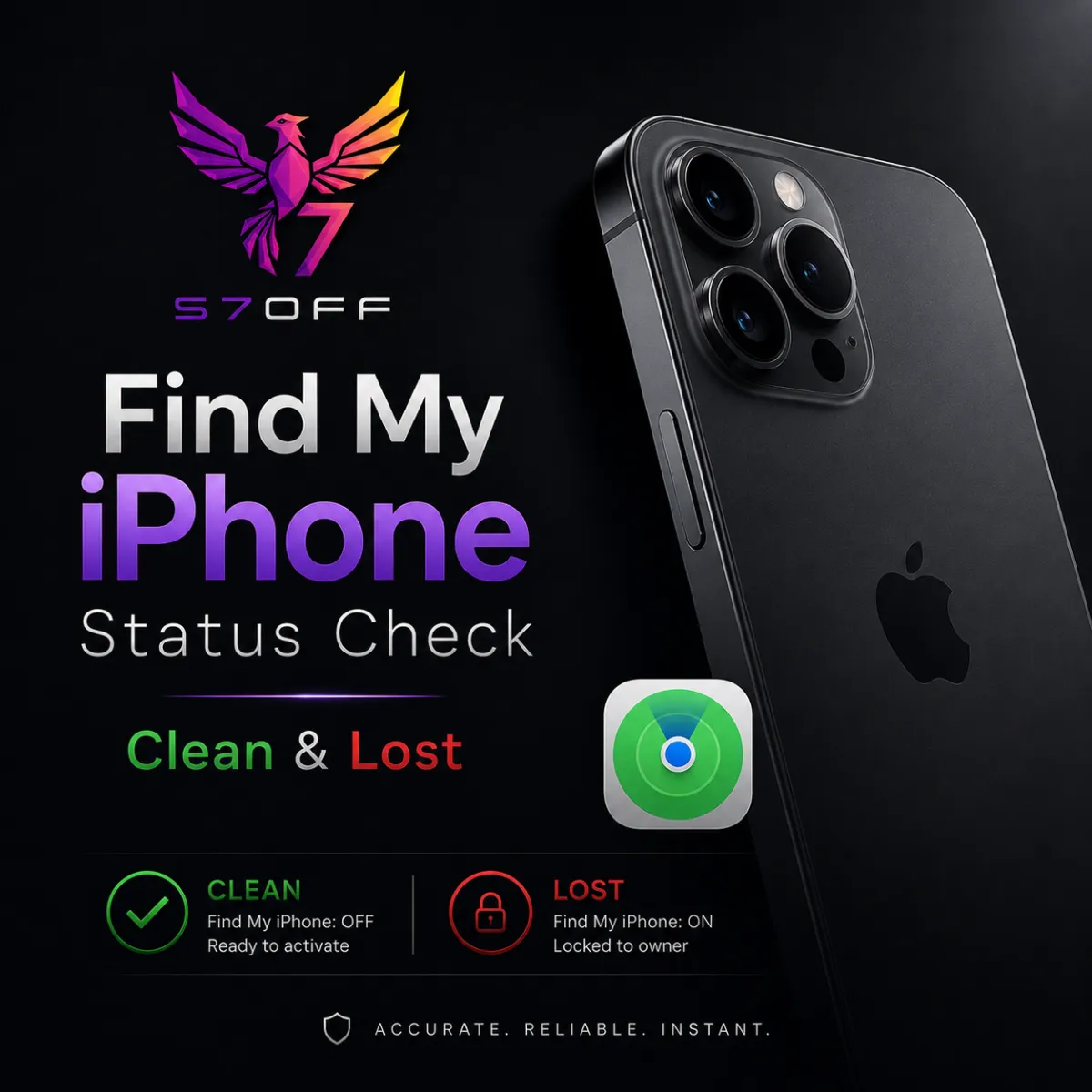
FMI OFF means the device has no active iCloud Find My iPhone lock. The device is not linked to a previous owner's Apple ID through Find My iPhone and can usually be activated with your own Apple ID. This is the safest status for buyers and repair shops.
FMI CLEAN Status
FMI CLEAN means the device is linked to an Apple ID, but it does not show LOST status in the check result. The device may still require the previous owner's Apple ID before activation. To use the device normally, it must be removed from the previous owner's Apple ID first.
FMI LOST Status
FMI LOST means the device is linked to an Apple ID and has additional risk indicators. It may be marked as erased, lost, stolen or blacklisted. In service terminology, LOST is similar to CLEAN because the device is still linked, but it has a higher risk level because of additional lost, erased or blacklist-related signs.
External Signs of LOST Status
If the screen shows a message from the owner, says that the phone was erased, or shows that the device is lost or stolen, this is a strong external sign of LOST status. In this case, the device should be treated as high risk and should not be purchased without full verification.
Why No Message Does Not Always Mean CLEAN
If there is no owner message on the screen, it does not automatically mean that the device is CLEAN. Sometimes the device was erased without entering owner contact details. In other cases, the phone may have been restored in DFU mode, and visible lost-mode signs may disappear from the screen.
Why External Signs Are Not Enough
External signs can help, but they are not enough to confirm the real iCloud status. A device may look normal on the screen but still have FMI ON, CLEAN or LOST status in checker results. That is why IMEI or serial number checking is important before making a decision.
What Information Should Be Collected
Before contacting Apple Support or ordering any related service, collect as much information as possible. Useful information includes purchase date, warranty expiration date, carrier lock status, official seller, blacklist status, FMI status, device model, IMEI and serial number.
Why This Information Matters
The more accurate information you have, the better prepared you are when communicating with Apple Support or evaluating the device. Purchase date, warranty status, seller information, carrier status and blacklist data can help you understand the real history and risk level of the device.
Where to Get IMEI or Serial Number
For accurate checking, always take IMEI or serial number directly from the device itself whenever possible. Do not rely only on the SIM tray, back cover, box, invoice or sticker, because these parts can be replaced, mixed or taken from another device.
Recommended Checks Before Buying or Servicing
Before buying or servicing an iPhone, it is recommended to check FMI status, blacklist status, carrier lock status, sold-by information, warranty information and full GSX data if available. These checks help you understand whether the device is safe, linked, locked, lost, blacklisted or carrier-restricted.
Important Note
This guide is for informational and verification purposes only. Always make sure the device belongs to you or that you have legal authorization to check or service it. Avoid buying devices that show lost, stolen, owner message or blacklist-related signs.
Final Answer
iCloud FMI status is usually divided into OFF, CLEAN and LOST. OFF means the device is not linked and can usually be activated. CLEAN means the device is linked but not marked as lost in the check result. LOST means the device is linked and has additional risk indicators such as erased, lost, stolen or blacklisted status. Always verify the device using IMEI or serial number taken directly from the device.