How the Dating App Romance Scam Works – Step by Step
This scam is one of the most sophisticated because it exploits human emotions — loneliness, trust, and the desire for connection. Here's exactly how it unfolds:
Step 1: The Bait — Building a Romantic Connection
Scammers create fake profiles on dating apps like Tinder, Badoo, Bumble, and others. They use attractive photos (often stolen from real people) and craft convincing personal stories. They are patient and invest significant time — sometimes weeks or even months — into building a relationship with their target.
They may:
- Send daily messages — establishing a routine of communication.
- Share personal stories — claiming to be divorced, widowed, or lonely.
- Use romantic language — expressing love, affection, and commitment.
- Exchange photos and voice messages — building trust and intimacy.
The goal is to make the victim feel a genuine emotional connection and to trust the scammer completely.
Step 2: The 'Emergency' or 'Favor' Request
After weeks or months of building trust, the scammer creates a scenario where they need the victim's help. Common pretexts include:
- 'I need to print plane tickets' — 'I'm flying to meet you, but I can't access my email on this phone. Can you please sign into my Apple ID on your phone and print the tickets?'
- 'My phone is broken' — 'I need to recover my photos from iCloud, but my phone is smashed. Can you sign into my Apple ID on your device to help me?'
- 'I'm in a crisis' — 'I've been locked out of my account and I need to verify something. Can you just sign in with my ID for a moment?'
- 'I need to test my iCloud' — 'I'm trying to set up my new phone, but something is wrong. Can you please sign in on your phone so I can see if it works?'
They provide a login (email) and password, and ask you to sign out of your own Apple ID and sign into theirs. They may say it's a 'quick favor' or that they will 'do the same for you' if you ever need help.
Step 3: The Lock
The moment you sign into the scammer's Apple ID on your iPhone, the scammer — watching from their device — sees your phone appear in their list of devices. They immediately:
- Change the Apple ID password — locking you out.
- Enable Find My iPhone — linking your device to their account.
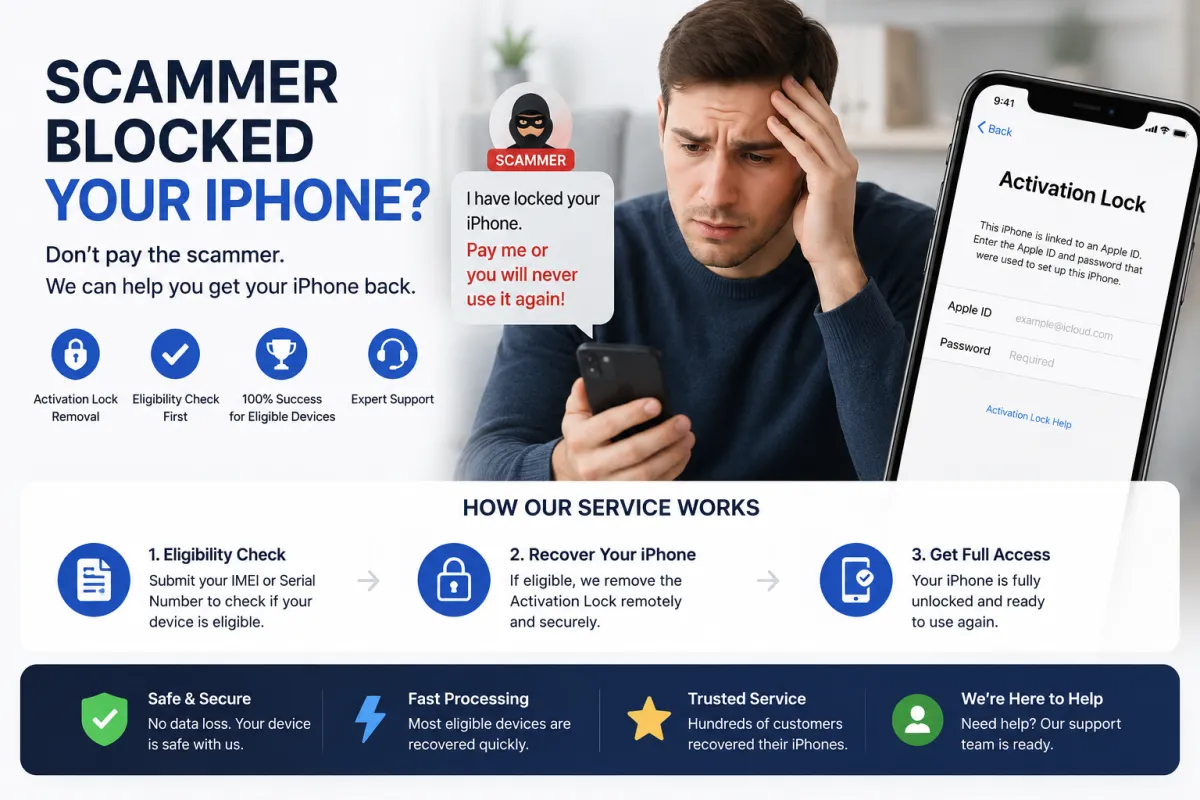
- Activate Lost Mode — remotely locking your screen with a custom message.
- 10,000 to 60,000 RUB (or equivalent in USD/EUR).
- Payment via cryptocurrency, gift cards, or irreversible transfers.
- Threats to erase your data, sell your information, or permanently brick the device if you don't pay.
Your iPhone is now a brick. You cannot sign out, cannot reset it, and cannot use it.
Step 4: The Ransom Demand
A message appears on your locked screen demanding payment to unlock the device. Scammers typically demand:
In many cases, scammers continue to emotionally manipulate their victims, saying things like 'I didn't want to do this, but I need the money. If you really loved me, you would pay.' This adds psychological trauma to the financial loss.
Who Is Being Targeted?
This scam specifically targets people who are:
- Using dating apps — Tinder, Badoo, Bumble, and other platforms where scammers can easily create fake profiles.
- Emotionally vulnerable — recently divorced, lonely, or seeking genuine connection.
- Trusting and empathetic — people who are inclined to help others and build relationships quickly.
- Willing to invest time in online relationships — scammers often target those who are open to long-distance connections.
The scammers often target people in their 30s to 50s who are more likely to have disposable income and valuable devices, but anyone can be a victim.
Red Flags — How to Recognize the Scam Before It's Too Late
Here are the key warning signs that you may be dealing with a dating app scammer:
Profile Red Flags
- Too good to be true — extremely attractive photos, impressive lifestyle, perfect profile.
- Limited photos — only a few photos that all look staged or professional.
- Refuses video calls — always has an excuse for why they can't video chat (camera broken, too shy, etc.).
- Inconsistent story — details about their life change over time.
- Foreign location — often claim to be traveling or living abroad, making it hard to meet in person.
Behavioral Red Flags
- Love bombing — intense affection and declarations of love very quickly.
- Rushes the relationship — wants to move off the dating app to WhatsApp/Telegram immediately.
- Asks for personal information — attempts to learn your full name, address, or other sensitive details.
- Always has a crisis — constantly needs money or help with something urgent.
- Asks you to sign into anything — this is the #1 red flag. No legitimate romantic partner will ask you to sign into their Apple ID.
Communication Red Flags
- Poor grammar — inconsistent language that may be machine-translated.
- Vague about their location — never gives specific details about where they live or work.
- Pressures you — creates urgency to act quickly without thinking.
If you see any of these red flags, stop communication immediately.
What to Do If You've Already Signed Into the Scammer's Apple ID
If you realize you've been tricked, act immediately. Here's what to do:
1. Do NOT Pay the Ransom
This is the most important rule. Paying does not guarantee the device will be unlocked. Scammers often demand more money or simply disappear after receiving payment. You lose both the money and the device.
2. Disconnect from the Internet
If the device is not yet locked, put it into Airplane Mode or turn off Wi-Fi and mobile data immediately. This prevents the scammer from remotely locking or erasing the device.
3. If the Device Is Still Unlocked — Sign Out Immediately
If you can still access Settings:
- Go to Settings → [Your Name] → Sign Out.
- Enter the scammer's password (the one they gave you).
- Sign out immediately and sign back in with your own Apple ID.
- Change your Apple ID password immediately.
If the scammer has already changed the password, proceed to Step 4.
4. Block the Scammer on All Platforms
Stop all communication. The scammer will likely try to manipulate you emotionally to get you to pay. Cut contact completely.
5. Contact Apple Support
If you have the original proof of purchase (receipt with serial number/IMEI), you can submit a request to Apple to remove the Activation Lock. This is the official, free method but requires documentation.
6. Use S7OFF IMEI Unlock Service
If you don't have the original receipt or Apple refuses your request, S7OFF offers a legitimate IMEI-based unlock service. We can remove the scammer's Apple ID from your device's activation lock. Use our free eligibility checker to see if your device can be unlocked — if eligible, we guarantee 100% success. No ransom payment required.
7. Report the Crime
File a police report. Provide screenshots of the conversation, the scammer's profile, the ransom message, and any communication. This helps law enforcement track down scammers and prevents future victims.
8. Seek Emotional Support
Being scammed by someone you trusted and developed feelings for is deeply traumatic. Talk to friends, family, or a therapist. Remember that this was not your fault — scammers are professional manipulators.
Why This Scam Works — The Psychology of Romance Scams
This scam is particularly devastating because it exploits psychological and emotional vulnerabilities:
- Romantic hope: People on dating apps are looking for love and are open to emotional connections.
- Trust building: Scammers invest significant time to build trust before springing the trap.
- Emotional investment: Victims have invested time, emotions, and sometimes even money in the relationship, making them more likely to comply with requests.
- Reciprocity: Victims want to 'help' their romantic partner — it feels natural to do a small favor for someone they care about.
- Isolation: Scammers often work to isolate victims from friends and family who might warn them.
The emotional betrayal often hurts more than the financial loss. Many victims report feeling ashamed, embarrassed, and foolish — but they shouldn't. Scammers are skilled professionals who use sophisticated manipulation techniques.
The key takeaway: No romantic partner will ever ask you to sign into their Apple ID. If they do, it is 100% a scam.
Real Cases — What Victims Are Saying
These real cases illustrate how the scam operates and the emotional toll it takes:
- Russia (2025): A woman in her 40s met a man on a dating app. They talked for three months, shared daily messages, and planned a future together. He asked her to sign into his Apple ID to 'recover photos' from his broken phone. She did, and her iPhone 14 was immediately locked. He demanded 25,000 RUB to unlock it. She paid, but he demanded more. She lost both money and a device worth 80,000 RUB.
- Vietnam (2025): A man met a woman on a dating app who claimed to be a business executive. After weeks of building trust, she said she needed to 'verify' her account for a business deal and asked him to sign into her Apple ID. His iPhone 13 was locked. He reported the incident to local police.
- Online reports: Multiple users on Reddit and cybersecurity forums have shared similar stories of dating app scammers who build trust over extended periods before locking devices and demanding ransom.
These cases show that anyone can be a victim — scammers target both men and women, all ages, and all backgrounds. The common thread is that victims trusted someone who manipulated that trust.
How to Protect Yourself — The Golden Rules
Follow these rules to protect yourself from dating app romance scams:
RULE 1: NEVER Sign Into Someone Else's Apple ID
This is the most important rule. No legitimate romantic partner, friend, or family member will ever ask you to sign into their Apple ID on your personal device. If someone asks you to do this, it is a scam — 100% of the time.
RULE 2: Video Chat Before Trusting
Scammers often refuse video calls. If someone can't or won't video chat with you, it's a major red flag. Legitimate partners will be happy to video call.
RULE 3: Keep the Conversation on the Dating App
Scammers try to move communication to WhatsApp or Telegram where they are more anonymous. Keep conversations on the dating platform for as long as possible. If the app has verification features, look for verified profiles.
RULE 4: Don't Send Money or Gifts
If someone you've never met in person asks for money, gifts, or any form of financial help — especially cryptocurrency or gift cards — it is a scam.
RULE 5: Verify Their Identity
Reverse image search their photos to see if they appear on other profiles. Ask for specific details about their life and check if they're consistent. Meet in person if possible.
RULE 6: Trust Your Instincts
If something feels off — even if you can't explain why — trust your gut. It's better to be safe than to become a victim.
RULE 7: Educate Your Friends and Family
Share this information with anyone you know who uses dating apps. Many victims are isolated and don't talk about their relationship, making it harder for others to warn them.
Frequently Asked Questions
Q1: How can I tell if someone on a dating app is a scammer?
A: Red flags include: too good to be true profile, refuses to video chat, rushes the relationship, always has a crisis, asks for money, and asks you to sign into their Apple ID. Trust your instincts.
Q2: I've been talking to someone for weeks. Could they still be a scammer?
A: Yes. Many scammers invest significant time to build trust. If they ask you to sign into their Apple ID or send money, it's likely a scam.
Q3: What if I already shared my Apple ID password?
A: Change it immediately on appleid.apple.com. Enable 2FA if you haven't. Sign out of all sessions and remove unfamiliar devices.
Q4: Can S7OFF unlock my device if I fell for a dating app scam?
A: Yes, if your device is eligible. Use our free IMEI checker to confirm. We guarantee 100% success for eligible devices — no ransom payment required.
Q5: I already paid the ransom. Can I get my money back?
A: Unlikely, especially if paid via cryptocurrency or gift cards. Report the transaction to your bank/payment provider, but focus on recovering the device through Apple or S7OFF.
Q6: Can Apple unlock my device without a receipt?
A: Apple is very strict about proof of ownership. Without a receipt or proof of purchase, they will almost certainly refuse. In that case, S7OFF is your best alternative.
Q7: Will restoring my iPhone via iTunes remove the lock?
A: No. Restoring the device does not remove Activation Lock. You will still be locked out after the restore.
Q8: I feel embarrassed that I fell for this. What should I do?
A: Don't blame yourself. Scammers are professional manipulators who are skilled at exploiting emotions. Talk to someone you trust and consider speaking with a therapist. The scammer is the criminal — not you.
Q9: Should I report the scammer to the dating app?
A: Yes. Report the profile immediately. This helps protect other users from the same scam.