What Is Chimera Tool Extend?
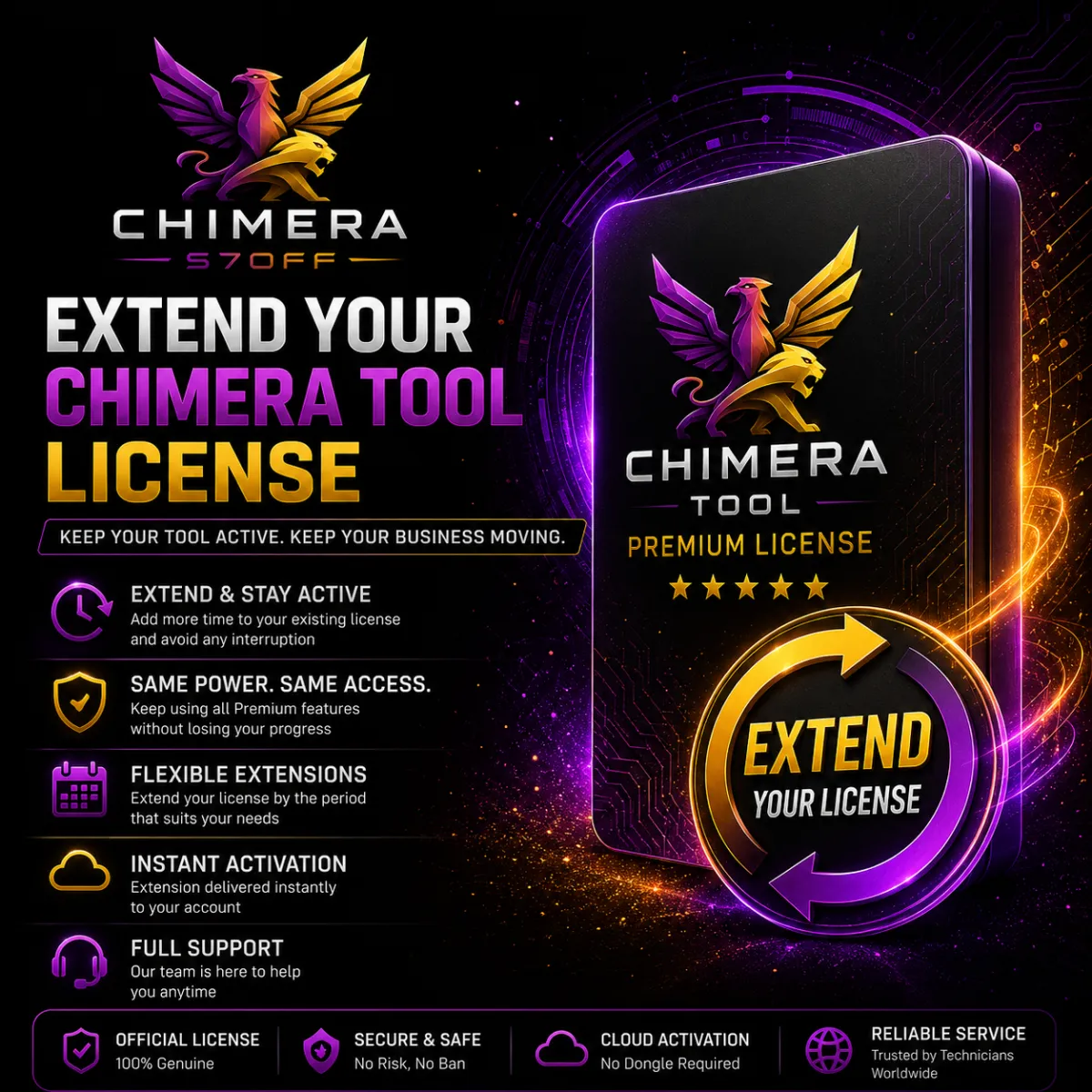
Chimera Tool Extend means renewing your current Chimera license for an additional period. If you already have Basic, Professional or Premium and you want to keep using the same license level, you need to extend your license.
What Is Chimera Tool Upgrade?
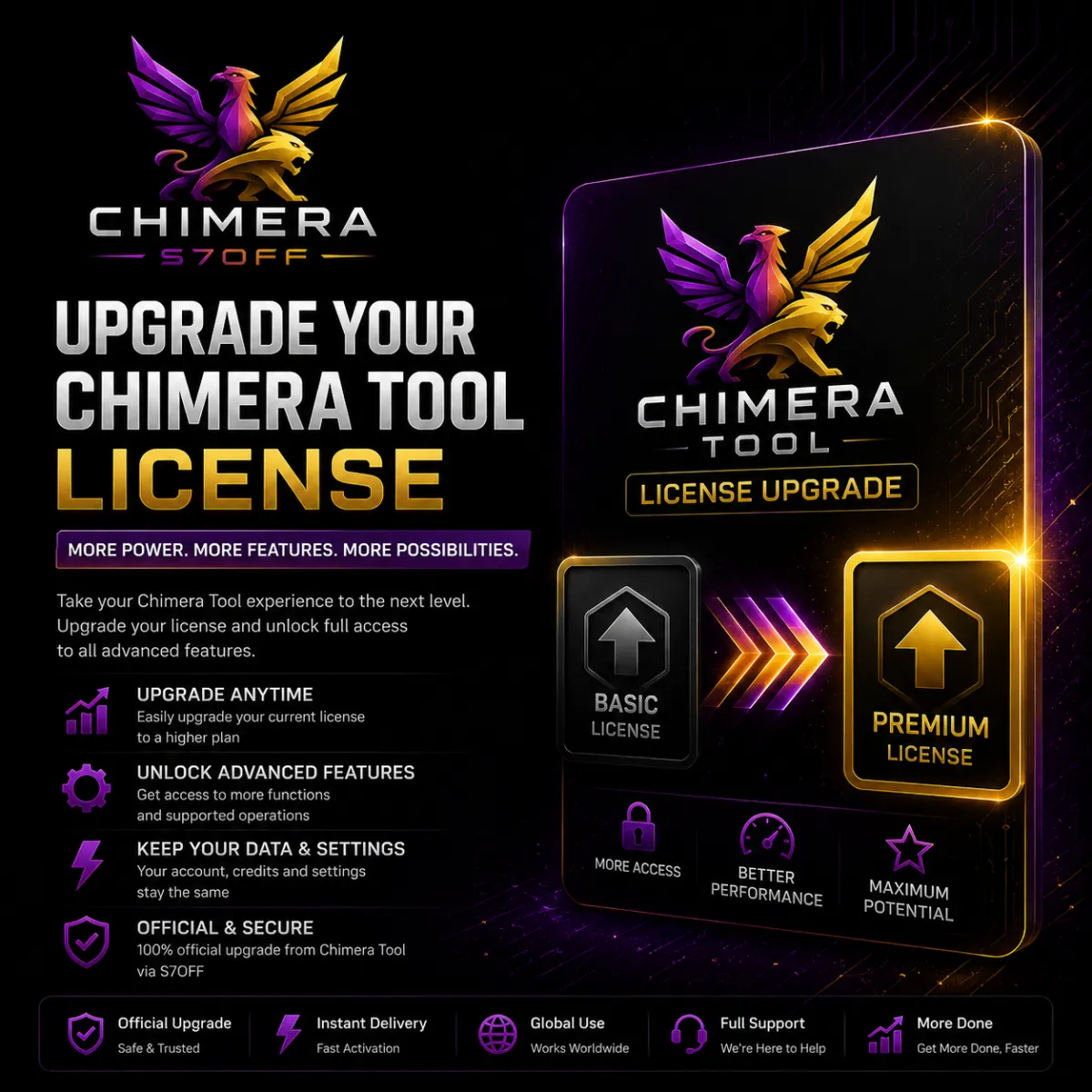
Chimera Tool Upgrade means moving from a lower Chimera license plan to a higher one. For example, you can upgrade from Basic to Professional, from Basic to Premium, or from Professional to Premium.
Main Difference Between Extend and Upgrade
The main difference is simple: Extend keeps the same license level and adds more time. Upgrade changes your license level to a higher plan. Extend is for renewal. Upgrade is for getting more features, higher limits and better license benefits.
When Should You Extend Chimera Tool?
You should extend Chimera Tool if you are satisfied with your current license level and only need to renew the validity period. For example, if your Professional license is expiring and Professional is still enough for your work, you should extend the Professional license.
When Should You Upgrade Chimera Tool?
You should upgrade Chimera Tool if your current license is no longer enough. For example, if you started with Basic but now connect more phones, work on more computers or need more included benefits, upgrading to Professional or Premium may be the better choice.
Example — Basic Extend
If you already have Chimera Basic and want to continue using Basic for another period, this is an Extend. You are not changing the plan. You are only adding more validity to the same Basic license.
Example — Basic to Professional Upgrade
If you already have Chimera Basic but now need higher phone connection limits, more computer slots, more included checks and USB Authenticator support, you can upgrade from Basic to Professional. This is an Upgrade because the license level changes.
Extend vs Upgrade in Simple Words
Extend means: keep my current Chimera plan and add more time. Upgrade means: move my Chimera plan to a higher level. If your current license is enough, extend it. If your current license limits your work, upgrade it.
Which Option Is Better for Beginners?
For beginners, Extend is usually enough if the current license covers the required work. But if the technician started with Basic and quickly reached the phone connection limit or needs better features, upgrading to Professional is usually a better long-term choice.
Which Option Is Better for Repair Shops?
For active repair shops, Professional is usually the best balance. If the shop already has Professional and the license is expiring, extending Professional makes sense. If the shop handles many devices or multiple technicians, upgrading to Premium may be better.
Which Option Is Better for High-Volume Service Centers?
High-volume service centers should consider Premium. If they already have Premium, they should extend Premium when it expires. If they currently use Basic or Professional and regularly hit limits, they should upgrade to Premium.
Can Credits Be Used for Extend or Upgrade?
Chimera credits can be used as internal balance inside the Chimera ecosystem. They may be used for paid procedures and can also be used to buy, renew or extend Chimera activation depending on available account options. Always check the current options inside your Chimera account before ordering.
Before Choosing Extend or Upgrade
Before ordering, check your current license type, expiration date, phone connection usage, computer slot usage, required procedures and daily service volume. If your current license is enough, extend it. If you need higher limits or more benefits, upgrade it.
Common Mistake
The most common mistake is choosing Extend when the current license is already too limited. If you are using Chimera every day and Basic is not enough, extending Basic will not solve the problem. In that case, upgrading to Professional or Premium is the better choice.
Final Answer
Chimera Tool Extend means renewing the same license level for more time. Chimera Tool Upgrade means moving to a higher license plan. Choose Extend if your current plan is enough. Choose Upgrade if you need higher limits, more features, more computer slots or better license benefits.