Answer First
Before ordering any iCloud, FMI OFF or Activation Lock service, always check MDM status too. If a GSX report shows both FMI ON and MDM ON, it is better to avoid the device or review it very carefully before accepting the order.
Why MDM Check Is Important Before iCloud Service
Many devices today are locked not only by iCloud or Find My iPhone, but also by MDM. MDM means Mobile Device Management, and it is commonly used by companies, schools, organizations and enterprise owners to control Apple devices remotely.
FMI ON and MDM ON at the Same Time
If a device has FMI ON and MDM ON at the same time, the case becomes more complicated. Even if the iCloud or FMI issue is processed, the device may still have management restrictions, remote supervision, enrollment or setup limitations caused by MDM.
Who Should Pay Attention to This?
This warning is especially important for repair shops, GSM resellers, iCloud unlock service providers and customers who buy locked Apple devices for resale. Before paying for any iCloud service, the device should be checked for both FMI and MDM.
Use GSX or MDM Check Before Ordering
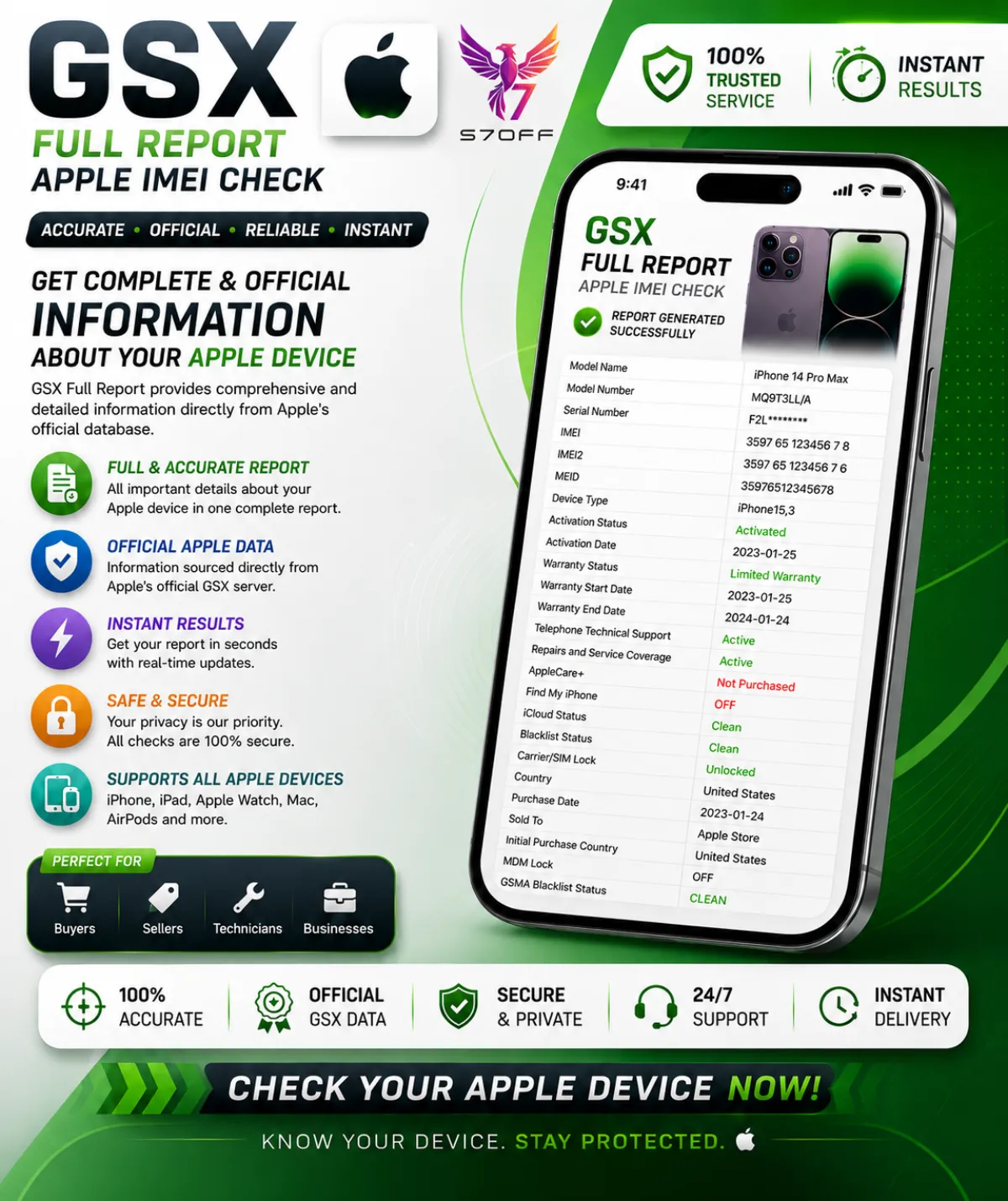
A proper GSX or Apple device status check can help detect important information such as FMI status, MDM status, carrier details, activation status, warranty, purchase country and other device data. If MDM is detected, do not ignore it.
Why You Should Not Ignore MDM ON
MDM ON may mean the device is still connected to a company, school or organization profile. This can create problems during activation, setup or future use. In many cases, the device may not be suitable for normal resale or unlock service processing.
Before Ordering iCloud Unlock
Before ordering iCloud unlock, FMI OFF or Activation Lock removal service, check the device carefully. At minimum, verify FMI status, MDM status, blacklist status, serial number, IMEI if available and device model. Do not rely only on one visible lock screen message.
Recommended Rule for Repair Shops
If GSX or device check shows FMI ON and MDM ON together, treat the device as high risk. It is better to reject the case, ask for more information or explain the risk to the customer before accepting payment.
What If MDM Is OFF?
If MDM is OFF and the device only has FMI ON, the case may be easier to evaluate for iCloud or FMI service, depending on device model, status, ownership proof and current service availability. Still, every order should be checked before processing.
Legal Use Only
iCloud, FMI OFF, Activation Lock and MDM-related services must only be used for legal device owners, authorized repair shops or legitimate service cases. Do not process lost, stolen, unauthorized or suspicious devices.
Final Answer
Always check MDM before iCloud unlock. If a device shows both FMI ON and MDM ON, it is better not to deal with that device unless the case is fully verified and legally authorized. For iCloud unlock providers, MDM check is not optional — it is a necessary step before accepting the order.