Detect Hidden Apple Activation Blocks — Chimaera Risk & GSX Blind Spots | S7OFF | Guides
+1 484 202 5255
Settings
Advanced

How to Detect Hidden Apple Activation Blocks (Chimaera Risk)

GSX says your iPhone is unlocked and iCloud‑free, but it still fails activation? This is a hidden server‑side block known as Chimaera, and it is not always visible in standard checks. Learn what it is, why it happens, and how to spot it before you lose money on a device that can never be activated.

3 min read
May 22, 2026

Overview

Many repair shops and refurbishers rely on GSX reports alone when purchasing used iPhones, iPads, or Macs. A clean GSX — showing iCloud OFF, FMI OFF, and Next Tether Unlocked — has traditionally been considered a guarantee of activation. However, a growing number of devices are now failing activation even with a perfectly clean GSX. This is due to a hidden server‑level restriction informally known as the Chimaera block. This guide explains what the Chimaera block is, why it is invisible in GSX, and how you can detect it before you lose money on a device that can never be activated.

What is the Chimaera Activation Block?

Chimaera is an Apple activation‑server‑level restriction that prevents a device from completing the setup process, even when GSX shows "iCloud: OFF", "FMI: OFF", and "Next Tether: Unlocked". Unlike a standard iCloud lock, this block is applied at the Apple activation server layer and can affect any iPhone, iPad, or Mac. The device may appear completely clean, yet when you try to activate it, it is rejected permanently.

Why GSX is No Longer a 100% Guarantee

GSX (Apple's Global Service Exchange) reports the official status of a device, but it does not always reflect hidden activation‑server restrictions. We now regularly encounter devices that are fully unlocked in GSX — no iCloud, no FMI, no MDM, and a clean blacklist status — yet they are rejected by Apple's activation servers. The Chimaera block is separate from standard locks and may be invisible in GSX until the device attempts activation.

How to Reduce the Risk: Use Apple SimLock Check

The most reliable way to detect a potential Chimaera block is through the Apple SimLock Check: If the result is Locked or Unlocked, activation is usually safe. If the result is Server Reject or a red warning, the device has a high risk of being Chimaera‑blocked and may never activate. Always run this check before purchasing a used device or ordering an unlock service.

Conclusion

iCloud OFF ≠ a safe device. FMI OFF ≠ guaranteed activation. The final and most critical check is whether the device can actually complete activation. Check before you buy — or risk owning a permanently unusable device.

Related Services

Services mentioned in this guide

AT&T USA — Semi Premium — Till iPhone 11 Series

AT&T USA — Semi Premium — Till iPhone 11 Series

AT&T USA — Semi Premium — Till iPhone 11 Series is a professional carrier unlock service designed for older AT&T iPhone models that are blocked because of a remaining contract, unpaid balance, active line, or financed installment plan. It covers every iPhone generation from the very first model up to and including the entire iPhone 11 series — iPhone 11, iPhone 11 Pro, iPhone 11 Pro Max, and the second‑generation iPhone SE. The service is performed remotely via AT&T's server infrastructure; you never need to ship the device or install any software.

This is a Semi Premium service tier, meaning the device must not be blacklisted, reported lost or stolen, or flagged for fraud. It is built specifically for financial blocks — if the phone is still being paid off, tied to an active account, or carries an unpaid balance, this service will permanently remove the carrier restriction. The typical turnaround is 1–12 working days. Before placing an order, always verify the device's current carrier and blacklist status to ensure it is eligible for this tier.

$95.00
View Service
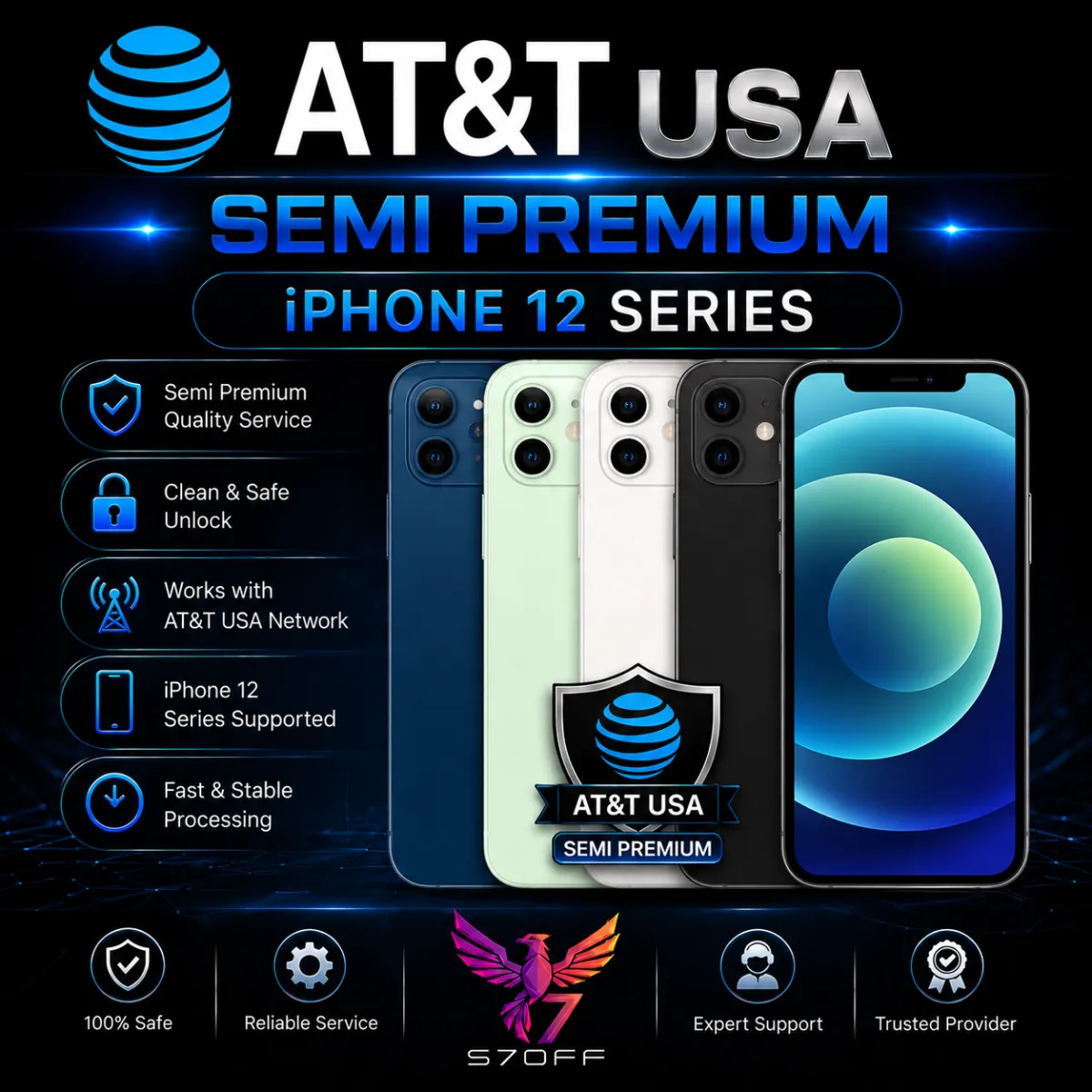
AT&T USA — Semi Premium — iPhone 12 Series

AT&T USA — Semi Premium — iPhone 12 Series

AT&T USA — Semi Premium — iPhone 12 Series permanently unlocks the carrier restriction on any iPhone 12 model locked to AT&T due to a contract, unpaid balance, active line, or financed installment plan. The service covers the full iPhone 12 lineup — iPhone 12, iPhone 12 mini, iPhone 12 Pro, and iPhone 12 Pro Max. All four devices feature 5G connectivity, the A14 Bionic chip, and Ceramic Shield displays, and they remain widely used in 2026 as durable everyday phones. If your device is financially blocked but clean of blacklist or fraud flags, this Semi Premium tier will remove the AT&T lock at the server level, freeing you to use any compatible carrier worldwide.

No software, jailbreak, or physical access to your device is needed — the entire procedure runs remotely through AT&T's activation servers. Because Semi Premium only handles financial blocks, please confirm your iPhone is not blacklisted, reported lost/stolen, or flagged for fraud before placing the order. The typical turnaround is 1–12 working days, and our support team is available on Telegram to answer questions at every stage.

$95.00
View Service
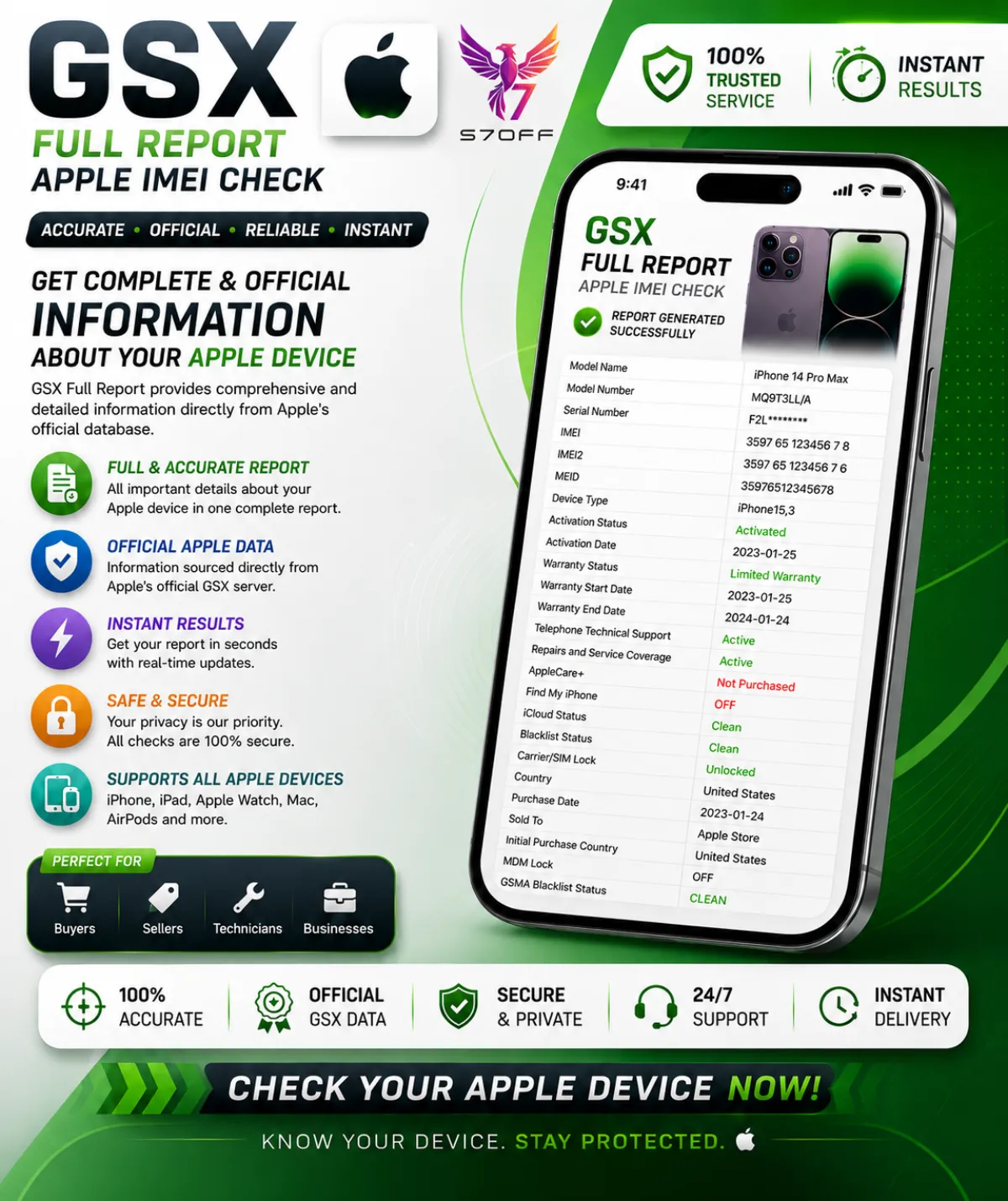
GSX Full Report — Apple IMEI Check

GSX Full Report — Apple IMEI Check

GSX Full Report — Apple IMEI Check is the most comprehensive device verification available. It connects directly to Apple's GSX system and returns a complete dataset covering every critical aspect of an iPhone, iPad, Mac, or Apple Watch. Whether you're a buyer verifying a second‑hand device, a refurbisher checking a batch, or a technician diagnosing a lock, this report gives you the same data that Apple Authorised Service Providers see.

What the report includes:

  • IMEI / IMEI2 & Serial Number — primary identifiers used for network checks, SIM‑lock, blacklist, carrier, warranty, and history.
  • Model, Config Code & Configuration — full commercial model name (e.g. iPhone 15 Pro Max), internal Apple config code, colour, storage, and regional version.
  • Product Line — iPhone, iPad, Mac, Watch.
  • Purchase Date, Purchase Country & Sold To — original purchase date, country of sale, and the carrier or reseller Apple initially sold the device to.
  • Registration Date & First Activation Date — when the device was first registered and activated in Apple's system.
  • Coverage / Warranty Status — active, expired, AppleCare, or out of warranty.
  • OS Version & Last Restore Date — latest known iOS/iPadOS/macOS version and the last time the device was restored.
  • Unlocked / SIM Lock — whether the device is SIM‑free or locked to a specific carrier.
  • Initial, Applied & Next Tether Activation Policies — the original activation policy, the currently applied one, and the policy that will apply after the next restore — critical for unlock and reseller cases.
  • Unlock Date — the exact date the device was officially unlocked, if applicable.
  • FMI Status (Find My iPhone) — ON or OFF. The most important line for iCloud/Activation Lock.
  • MDM Status — indicates whether the device is managed by a corporate, school, or enterprise MDM profile.
  • Chimaera Status — Apple's hidden activation‑risk flag. If FLAGGED, the device may be permanently unusable and should be avoided.
  • Blacklist Status — shows whether the IMEI appears on carrier blacklists for being lost, stolen, or involved in fraud.
  • Loaner & Personalized — reveals if the device is a temporary Apple loaner or has special customisation.
  • eSIM EID — the eSIM identifier, important for eSIM‑capable models.

This report is essential for anyone buying, selling, or unlocking a used Apple device. A clean IMEI and FMI OFF don't guarantee the device is problem‑free — the GSX Full Report shows carrier locks, hidden activation blocks, MDM enrolment, and the complete warranty and purchase history. Most reports are delivered within minutes, and you get the raw data straight from Apple's servers.

$3.00
View Service
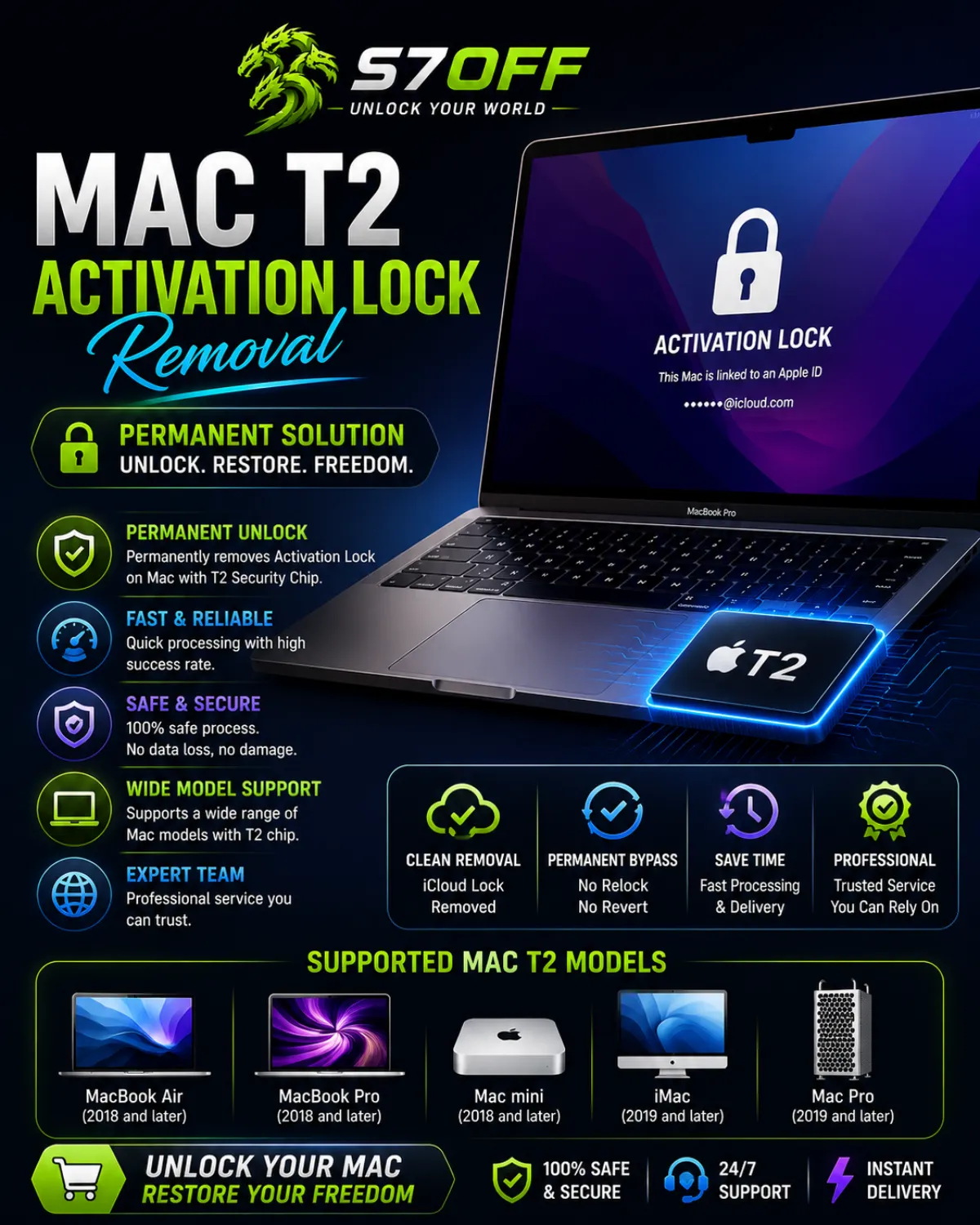
Mac T2 Activation Lock Removal — iCloud Unlock for T2 Macs

Mac T2 Activation Lock Removal — iCloud Unlock for T2 Macs

Mac T2 Activation Lock Removal permanently clears the iCloud lock on Mac computers equipped with the Apple T2 Security Chip. This service is designed for devices that are stuck on the Activation Lock screen after a factory reset, where the original owner’s Apple ID credentials are unavailable. The unlock is performed remotely through Apple’s activation servers — no software installation, no hardware modifications, and your Mac stays with you the entire time.

Supported Mac models with the Apple T2 Security Chip:

  • iMac Pro (2017)
  • Mac mini (2018)
  • MacBook Air (2018, 2019, 2020 — Intel models)
  • MacBook Pro (2018, 2019, 2020 — Intel models, 13‑inch and 15/16‑inch)
  • Mac Pro (2019)

The T2 chip handles secure boot, encrypted storage, and device management. Because of this, a standard iCloud unlock that works on older Macs cannot be applied to T2 Macs. Our service communicates directly with Apple’s servers to detach the T2‑enforced lock, allowing you to set up the Mac as new or restore it from a backup without ever seeing the Activation Lock screen again. The process requires a clean IMEI or serial number — the device must not be reported lost, stolen, or blacklisted. Most orders are completed within hours, and the result is permanent — you can update macOS, reset, or flash the device without the lock returning.

$90.00
View Service

Browse Categories

Explore services related to this guide

iCloud Activation Lock Removal Service
0 services

iCloud Activation Lock Removal Service

If your iPhone, iPad or Mac is locked to an iCloud account you can't access, our server‑based FMI OFF service permanently removes the Activation Lock. The service works for devices originally sold by authorized Apple resellers — carriers, premium resellers and major retail chains. All you need is a clean IMEI. The exact method depends on the country where the device was purchased, so after checking your IMEI you simply select the right region.

This is the main hub for all iCloud Activation Lock removal services at S7OFF. We provide a permanent, server‑side FMI OFF solution that detaches the lock directly from Apple's servers. No software is installed on your device, no jailbreak, no DNS tricks.

The service is organised by region because Apple's activation servers treat devices differently depending on where they were originally sold. By routing each device through the correct server pathway, we achieve the highest possible success rate. You don't need to know the technical details — just tell us where you bought the device.

How It Works:

  1. Check your IMEI — use our free IMEI check tool to confirm the device has a clean FMI status.

  2. Select your region — choose the country where the device was originally purchased: USA, Europe, Canada, Russia, Kazakhstan or Worldwide.

  3. Complete the order — pick your specific model, provide the IMEI or serial number, and we remove the lock.

Choose Your Region:

Carrier Unlock Service — Unlock Any Phone from Any Operator
0 services

Carrier Unlock Service — Unlock Any Phone from Any Operator

If your phone displays "SIM Not Supported", "Enter Network Unlock Code", or simply refuses to accept a different carrier's SIM, our server‑based IMEI carrier unlock service permanently removes the network restriction. We support all major operators and every device status — Clean, Blacklisted, Financed, or still under Contract.

This is the central hub for all carrier unlocking services at S7OFF. A carrier lock ties your phone to a specific mobile network, preventing you from using SIM cards from other providers. Whether you bought a second‑hand device that is still locked to AT&T, have an outstanding balance with T‑Mobile, or simply want to switch carriers without buying a new phone, we can remove the restriction permanently through our server‑side IMEI process.

The unlock method and its success depend heavily on the device's carrier status. We therefore offer separate service paths for each situation: a Clean device with no financial obligations is unlocked differently than a device still on a 24‑month contract or one blacklisted due to a lost/stolen report. Choosing the correct path ensures the highest success rate and the right price.

Supported Operators:
AT&T, T‑Mobile, Verizon, MetroPCS, Cricket, Sprint, Boost Mobile, TracFone, and many more. We cover both US and international carriers.

How It Works:

  1. Identify your phone's current operator and check the carrier lock status (Clean, Blacklist, Contract, Unpaid).

  2. Navigate to the appropriate operator page and select the status that matches your device.

  3. Pick your exact phone model and submit the IMEI for a permanent, server‑side unlock.

Important: This service removes the carrier lock only. It does not bypass iCloud Activation Lock, Google FRP, or screen passcodes.

0 services

AT&T USA Clean Unlock

AT&T USA Clean Unlock is a service category for iPhone devices locked to AT&T USA. These services automatically check the device eligibility and attempt to process Clean Unlock when the iPhone has no active restrictions.

If the device is eligible, the unlock request can be completed automatically. If the device cannot be unlocked, the system returns the detected status or reason, such as unpaid bills, active installment plan, contract issue, account restriction or another AT&T eligibility response.

This category can also be used as an AT&T Full Contract Status Check before ordering a full unlock service or before reselling a device. It helps repair shops, GSM resellers and iPhone sellers understand whether the device is clean, unpaid, under contract or restricted.

Before placing an order, make sure the device is locked to AT&T USA. If the device is not locked to AT&T USA, choose the correct carrier check or unlock service before ordering.

0 services

T-Mobile USA Clean Unlock

Answer first: T-Mobile USA Clean Unlock is a carrier unlock category for selected T-Mobile USA locked devices with clean and eligible status. Choose this category when the device is locked to T-Mobile USA and does not have unpaid balance, financed, blacklisted, lost, stolen or fraud-related status.

This category is created for customers, GSM resellers and repair shops who need a clean T-Mobile USA unlock service for supported iPhone devices. Clean unlock is intended for devices that meet the required eligibility conditions and can be processed through a clean unlock route.

Before placing an order, make sure the device is locked to T-Mobile USA and the status is clean. If the device has unpaid balance, financed status, active installment, not eligible status or blacklist status, this clean service may not be the correct option. In that case, use the correct T-Mobile Premium or status-based service if available.

If you are not sure about the device status, we recommend checking the carrier, SIM-lock and blacklist status before ordering. Wrong carrier, blacklisted, lost, stolen or unsupported devices may be rejected according to service rules.

0 services

T-Mobile USA Premium Unlock

Answer first: T-Mobile USA Premium Unlock is a high-level carrier unlock category for selected T-Mobile USA locked devices with different status types. This service is used when the device cannot be processed through a simple clean unlock route.

This category is created for customers, GSM resellers and repair shops who need a stronger T-Mobile USA unlock option for non-clean cases. T-Mobile Premium may support different T-Mobile statuses, including not eligible, unpaid balance, financed, active installment and other T-Mobile restriction cases, depending on current service availability and IMEI status.

Before placing an order, make sure the device is locked to T-Mobile USA. Premium unlock is not the same as Clean Unlock. Clean Unlock is for clean and eligible devices, while Premium Unlock is used for more difficult T-Mobile cases where the device has a restriction or is not accepted by the clean route.

Service availability, supported status types and final result may depend on current server route, IMEI condition and T-Mobile device status. If you are not sure which service to order, check the carrier, SIM-lock and blacklist status first or contact S7OFF support before placing the order.

Found this guide helpful?

Check out more guides to level up your setup.

Browse All Guides

Frequently Asked Questions