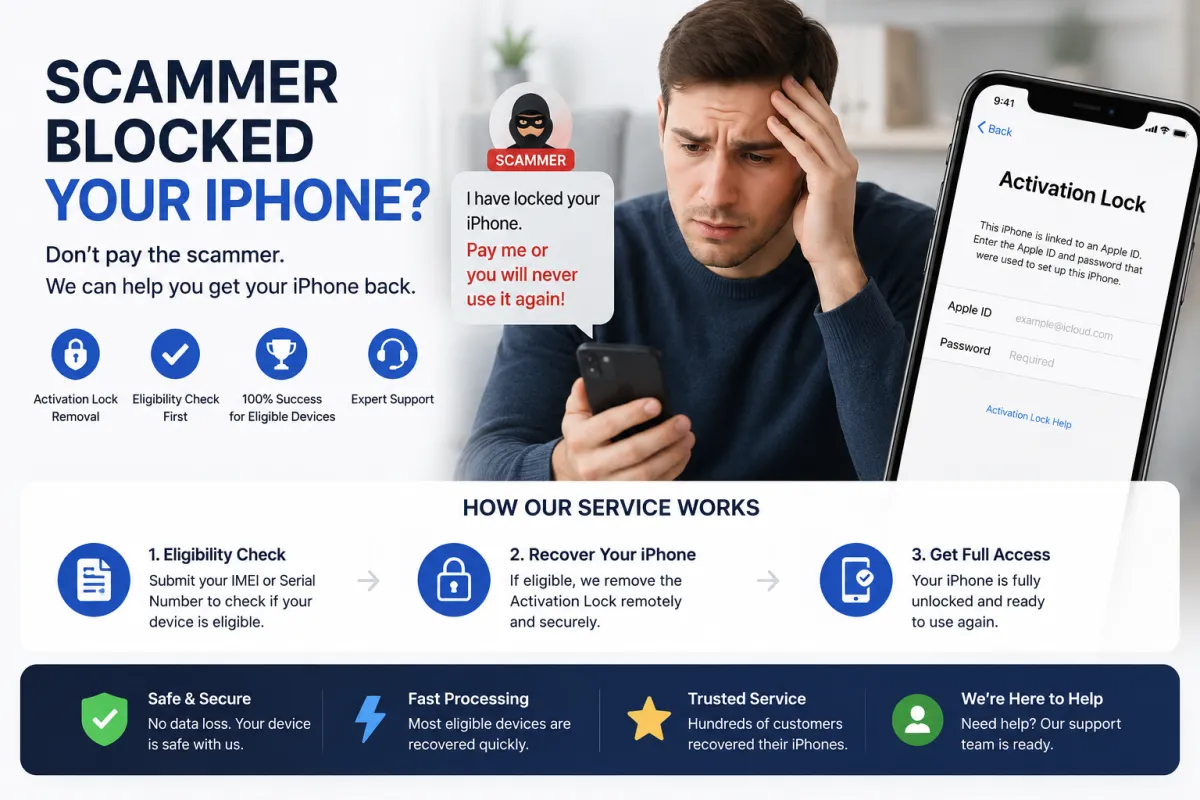
How Activation Lock Ransom Extortion Works – The Complete Breakdown
Activation Lock ransom extortion follows a clear pattern, though the method of gaining control varies. Here are the most common scenarios:
Scenario 1: Social Engineering – You Were Tricked Into Signing In
This is the most common method [citation:3][citation:8][citation:12]. A scammer builds trust with you over time — often on dating sites, gaming communities, or job platforms [citation:3][citation:12][citation:15]. Then they ask for a 'small favor': sign into their Apple ID on your device for a seemingly innocent reason. Typical pretexts include:
- 'I need to print plane tickets but my phone is broken — can you log in with my ID and print them for me?'
- 'I want to share a premium game with you — just sign in with this ID to download it.'
- 'I need to recover data from my damaged phone — please use my Apple ID to access iCloud.'
Once you sign in on your device, the scammer immediately enables Find My iPhone and puts your device into Lost Mode or Activation Lock [citation:3]. A ransom message appears on your screen. From Apple's perspective, everything is legal — you voluntarily signed into the account [citation:3].
Scenario 2: Stolen Device – The Thief Extorts the Owner
Your iPhone is physically stolen. The thief can read the device's IMEI, model, color, and storage capacity directly from the hardware [citation:7][citation:9]. If you enabled Lost Mode and left a contact number on the lock screen (e.g., 'Please call me if found'), the thief now has your phone number [citation:7][citation:9].
The thief then sends you a convincing text or iMessage claiming to be from Apple: 'Your iPhone 15 Pro (128GB, Midnight) has been found abroad. Click here to see its location.' [citation:4][citation:7][citation:9] The link leads to a fake Apple login page. If you enter your Apple ID credentials, the thief can remove the Activation Lock, erase your device, and resell it [citation:2][citation:7][citation:13]. In some cases, the thief demands money directly instead of tricking you into logging in [citation:13].
Scenario 3: Second-Hand Purchase – Seller Demands More Money
You buy an iPhone from a classified ad site like OLX or Avito. The seller claims the device is 'fully unlocked' but later, after you pay, they lock it remotely and demand additional payment to unlock it. They may claim the 'unlock fee' wasn't included in the price or that they made a mistake.
Key point: In all scenarios, the scammer's leverage is your emotional attachment to your device and data. They rely on panic and urgency to make you pay.
Why You Should Never Pay the Ransom
This is the single most important rule in this guide: Do not pay the ransom. Here is why:
- No guarantee of unlock: Scammers rarely unlock devices after payment. They see you as an easy target and will demand more money. In many cases, they simply disappear after receiving the payment [citation:3][citation:8][citation:12].
- It encourages more scams: Every successful payment proves the scam works, encouraging criminals to target more victims [citation:8].
- You lose both money and the device: If you pay and the scammer doesn't unlock, you lose the ransom money on top of the device. If they do unlock, you've validated their crime but still own a device that could be locked again if they have your Apple ID.
- Law enforcement cannot recover funds: Most ransoms are paid via cryptocurrency or irreversible transfers. Once sent, the money is gone permanently [citation:3].
- Apple and S7OFF offer legitimate recovery paths: You have better options that don't involve paying criminals (see recovery options below).
Remember: Paying the ransom is not a 'quick fix' — it's a trap. The scammer has zero incentive to actually unlock the device after they have your money.
Immediate Steps After Receiving a Ransom Demand
Time is critical. Follow these steps in order:
- Do not pay. This is non-negotiable. Do not negotiate with the scammer — any response confirms your willingness to engage, and they will pressure you further.
- Disconnect the device from the internet immediately: Put the iPhone into Airplane Mode or turn off Wi-Fi and mobile data [citation:8][citation:12]. This prevents the scammer from remotely erasing your device, which they may do if they feel you won't pay.
- Document everything: Take screenshots of the ransom message on the lock screen, any communication with the scammer (texts, emails, chat logs), and note the scammer's contact details [citation:8][citation:12].
- Report the crime to the police: File a report with your local police department. Provide them with the screenshots, the scammer's details, and your device's IMEI. In many countries, this qualifies as extortion or fraud (e.g., Articles 208 and 349 of the Criminal Code of Belarus, or similar laws elsewhere) [citation:3][citation:8][citation:12].
- Contact Apple Support: Visit iforgot.apple.com or support.apple.com to begin the account recovery process or Activation Lock removal request [citation:8].
- If you still have access to iCloud from another device: Go to iCloud.com/find and check if your device appears. If it does, you may be able to remove it from the scammer's account — but this is rare because the scammer will have already changed the password [citation:4][citation:7].
What if the scammer threatens to erase your data? This is a common intimidation tactic. However, if you disconnected from the internet, they cannot remotely erase the device. Even if they do erase it, Activation Lock will still be in place, and your data may be recoverable from iCloud backup if you have one.
Recovery Option 1: Official Apple Support (Free, Most Reliable)
Apple is the only official entity that can remove Activation Lock without the scammer's Apple ID password. Here is how the process works:
What you need to provide:
- Original proof of purchase: The receipt or invoice showing the serial number or IMEI, purchase date, and seller's name [citation:3][citation:8][citation:12].
- The original box: The serial number is printed on the barcode.
- Government-issued ID: Passport or driver's license (for in-person verification).
Step-by-step process:
- Go to Apple Support (support.apple.com) and navigate to iPhone → Activation Lock.
- Fill out the request form and attach scans/photos of your proof of purchase.
- Apple reviews your case — this typically takes 3–7 business days [citation:3].
- If approved, Apple removes the Activation Lock from their servers. Restart your iPhone and set it up with your own Apple ID.
What if you don't have the receipt? — Apple is very strict about proof of ownership. Without a receipt, they will almost certainly refuse your request [citation:3][citation:12]. In that case, proceed to Recovery Option 2 below.
Important: Apple's process is slow but reliable. Be patient — do not pay the scammer while waiting for Apple to process your request.
Recovery Option 2: Third‑Party IMEI Unlock Services (e.g., S7OFF)
If Apple refuses your request due to missing documentation, or if you need a faster solution, a reputable third‑party IMEI unlock service like S7OFF can help.
How S7OFF works for ransom extortion cases:
- You provide your iPhone's IMEI (dial
*#06#if you still have access, or check the original box, the SIM tray, or your carrier's records). - S7OFF performs a free eligibility check to see if your device qualifies for a server‑side unlock — removing the scammer's Apple ID from Apple's database without requiring any password.
- If eligible, you purchase the service, and the unlock is processed within 1–3 business days.
- Once completed, restart your iPhone — the Activation Lock screen disappears, and you can set up the device with your own Apple ID.
⚠️ Crucial security note: S7OFF and other legitimate services never ask for your Apple ID password — they only need the IMEI. If a service asks for your password, it is a scam. Always check independent reviews on Trustpilot or Reddit before purchasing.
What about the data? — S7OFF unlocks the device but does not recover your data. If you have an iCloud or local backup, you can restore your data after unlocking. If you don't have a backup, the data may be lost — but at least you have your device back.
How to Spot the 'Found Device' Phishing Scam (Stolen iPhone Variation)
A particularly cruel variation targets owners of stolen iPhones. You receive a message claiming your lost device has been found — and the scammers use your own hope against you. Here is how it works [citation:2][citation:4][citation:7]:
- The message: You receive a text or iMessage claiming to be from Apple: 'Your iPhone 15 Pro (128GB, Midnight) has been found in [city/country]. Click here to see its location.' [citation:4][citation:7][citation:9]
- The trap: The link leads to a convincing fake Apple login page. If you enter your Apple ID credentials, the scammer removes the Activation Lock, erases your device, and resells it [citation:2][citation:7][citation:13].
- How they got your number: Scammers can read the device info from the stolen phone itself [citation:7][citation:9]. If you enabled Lost Mode and left a contact number or email on the lock screen, they use that to contact you [citation:4][citation:7]. They may also read the SIM card's phone number if the SIM wasn't blocked [citation:7][citation:9].
How to protect yourself:
- Remember: Apple never contacts you by text or email to inform you that a lost device has been found [citation:2][citation:4][citation:7].
- Never click links in unsolicited messages or enter your Apple ID credentials on a linked website [citation:4][citation:7].
- If you lose your device, act immediately: Enable Lost Mode via the Find My app or iCloud.com/find [citation:2][citation:4][citation:7].
- Be careful about which contact details you show on the lock screen: Use a dedicated email address created specifically for this purpose, rather than your primary phone number [citation:4][citation:7].
- Never remove the device from your Apple account: This would disable Activation Lock [citation:2][citation:4][citation:7].
- Make sure your SIM card is protected with a PIN: This prevents criminals from reading your phone number from the SIM [citation:2][citation:4][citation:7].
What NOT to Do – Critical Mistakes
| ❌ Avoid This | Why It's Dangerous |
|---|---|
| Paying the ransom | Scammers rarely unlock after payment — they demand more money or disappear [citation:3][citation:8][citation:12]. |
| Negotiating with the scammer | Any engagement confirms you are willing to pay, and the scammer will increase pressure. |
| Clicking links in unsolicited 'found device' messages | These lead to phishing pages that steal your Apple ID credentials [citation:2][citation:4][citation:7]. |
| Entering your Apple ID credentials on any website you didn't type directly | Only use apple.com, icloud.com, or support.apple.com for login. |
| Removing your stolen device from your Apple ID | This disables Activation Lock and lets the thief resell the phone [citation:2][citation:4][citation:7]. |
| Attempting to 'hack' the scammer's account | This is illegal, dangerous, and usually ineffective. |
| Erasing the device via iTunes/Finder | This does not remove Activation Lock — you will still be locked out after the restore. |
Prevention – How to Avoid Activation Lock Ransom Extortion
Preventing this scam is much easier than recovering from it. Follow these practices:
- Never sign into someone else's Apple ID on your device — this is the single most important rule. No legitimate person needs you to do this [citation:3][citation:8][citation:12].
- Enable Two‑Factor Authentication (2FA) on your Apple ID to prevent unauthorized access.
- If you lose your iPhone, enable Lost Mode immediately via Find My. Do not wait [citation:2][citation:4][citation:7].
- Be careful what contact details you display on the lock screen: Use a dedicated email address for lost device messages, not your primary phone number [citation:4][citation:7].
- Protect your SIM card with a PIN — this prevents scammers from reading your phone number [citation:2][citation:4][citation:7].
- When buying a second-hand iPhone: Always check that the device is not Activation Locked before paying. Watch the seller sign out of their Apple ID in front of you.
- Keep your Apple ID password strong and unique — never reuse passwords across services.
- Be skeptical of any unsolicited message about your device: Apple never contacts you out of the blue [citation:2][citation:4][citation:7].
Frequently Asked Questions (FAQ)
Q1: I received a ransom demand on my iPhone. Should I pay?
A: Absolutely not. Paying does not guarantee unlock and encourages more crimes. Follow the recovery options in this guide instead [citation:3][citation:8][citation:12].
Q2: The scammer says they will erase all my data if I don't pay. Is that true?
A: They can remotely erase the device if they have iCloud access. However, if you disconnect from the internet (Airplane Mode), they cannot erase it. Even if they do erase it, the Activation Lock remains, and your data may be recoverable from iCloud backup.
Q3: How long does Apple take to remove Activation Lock?
A: Typically 3–7 business days, but it can take longer during peak periods [citation:3].
Q4: Can S7OFF unlock my device if I don't have the original receipt?
A: Yes. S7OFF only needs your IMEI and a service fee. Unlike Apple, they do not require proof of purchase.
Q5: I got a text saying my stolen iPhone was found abroad. Is it real?
A: No. This is a phishing scam designed to steal your Apple ID credentials. Apple never contacts you via text to report a found device [citation:2][citation:4][citation:7].
Q6: How did the scammer get my phone number?
A> Scammers can read the device info from the stolen phone itself, or they may get your number from the Lost Mode message you left on the lock screen, or from the SIM card if it wasn't PIN‑protected [citation:7][citation:9].
Q7: Will unlocking via S7OFF void my Apple warranty?
A: No. The unlock is a server‑side change that does not affect the hardware or iOS, so your warranty remains intact.
Q8: Can the scammer lock my device again after I unlock it?
A: No. Once the lock is removed, the device is no longer associated with the scammer's Apple ID. They lose all remote control over it.
Q9: Should I report this to the police?
A: Yes. File a report with your local police and provide them with the ransom message, the scammer's contact details, and your device's IMEI [citation:3][citation:8][citation:12].
Q10: What if the device was physically stolen and I never enabled Lost Mode?
A: If you never enabled Lost Mode, the thief may not have your contact details. However, you should still report the theft to the police and your carrier (to blacklist the IMEI). You can also check iCloud.com/find to see if the device appears and enable Lost Mode remotely.